
Halloween Coloring Pages
Get ready for spooky season with our Halloween coloring pages. This collection is packed with pumpkins, friendly ghosts, witches on broomsticks, black cats, spider webs, skeletons, and haunted houses, all drawn in a fun, not-scary style that works for kids of every age. Young children love the simple jack-o-lantern faces with big open areas, while older kids enjoy the more detailed haunted scenes with bats, moons, and graveyards. These pages are perfect for classroom Halloween parties, trick-or-treat countdown activities, or decorating the fridge during October. Teachers can use them alongside lessons about autumn, harvest, and cultural traditions. Print as many as you need, they are completely free.
Looking for something different? Check out our Christmas coloring pages and Holidays coloring pages.
Browse by topic
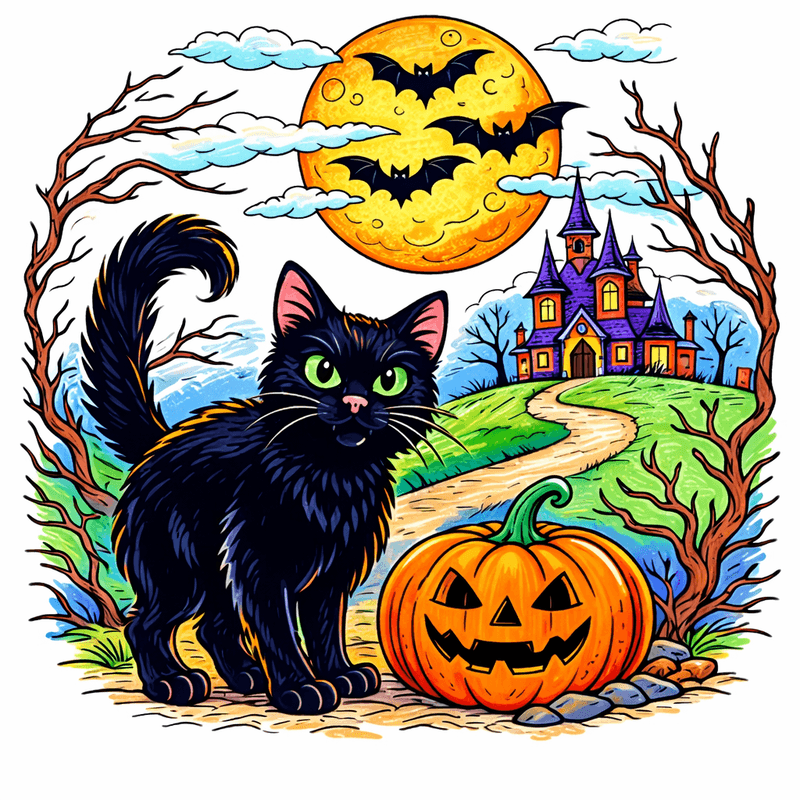
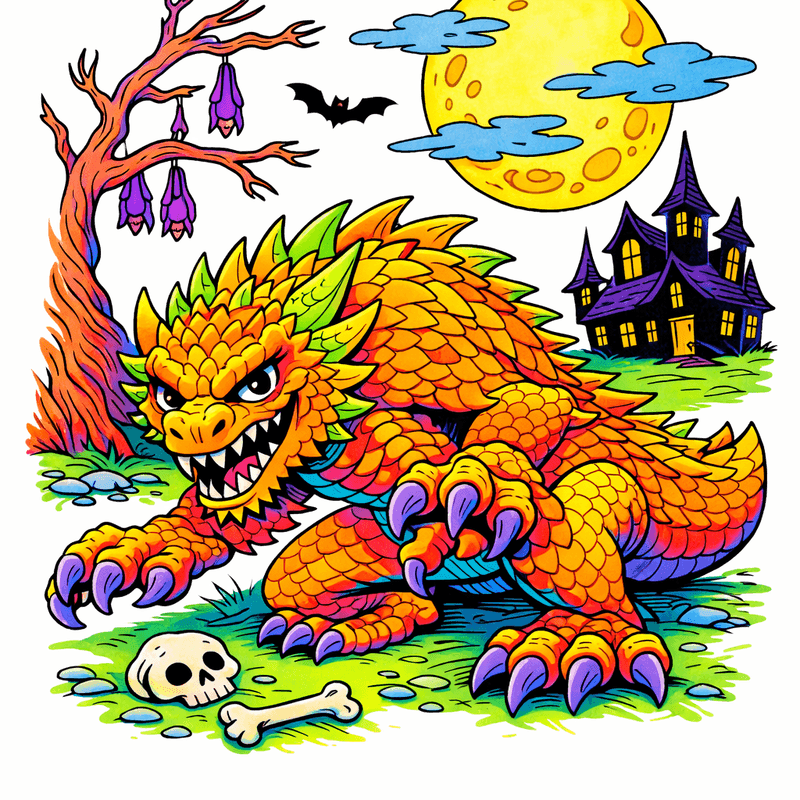
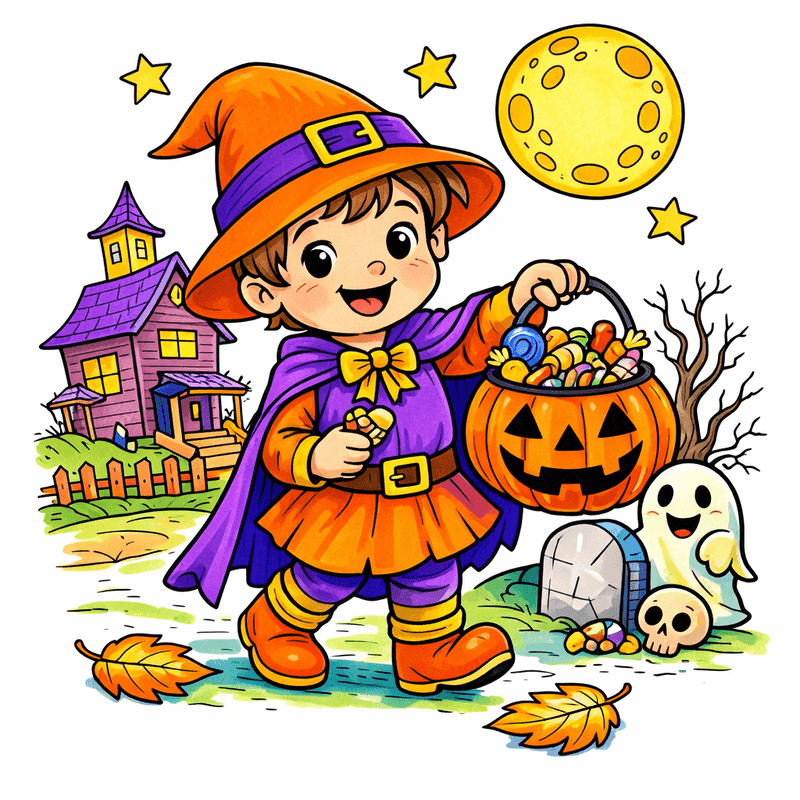
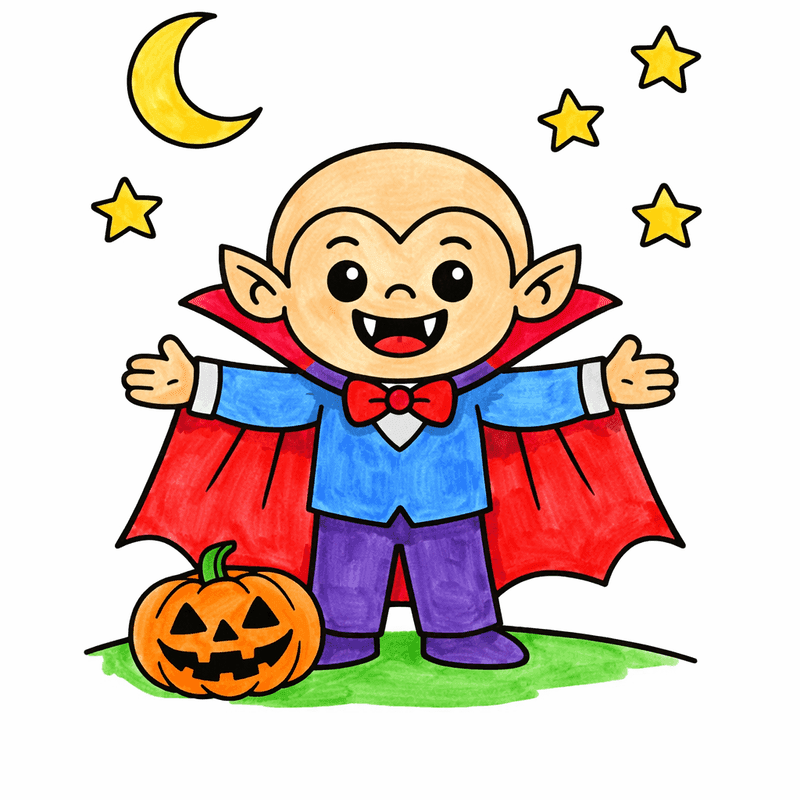
Popular in Halloween
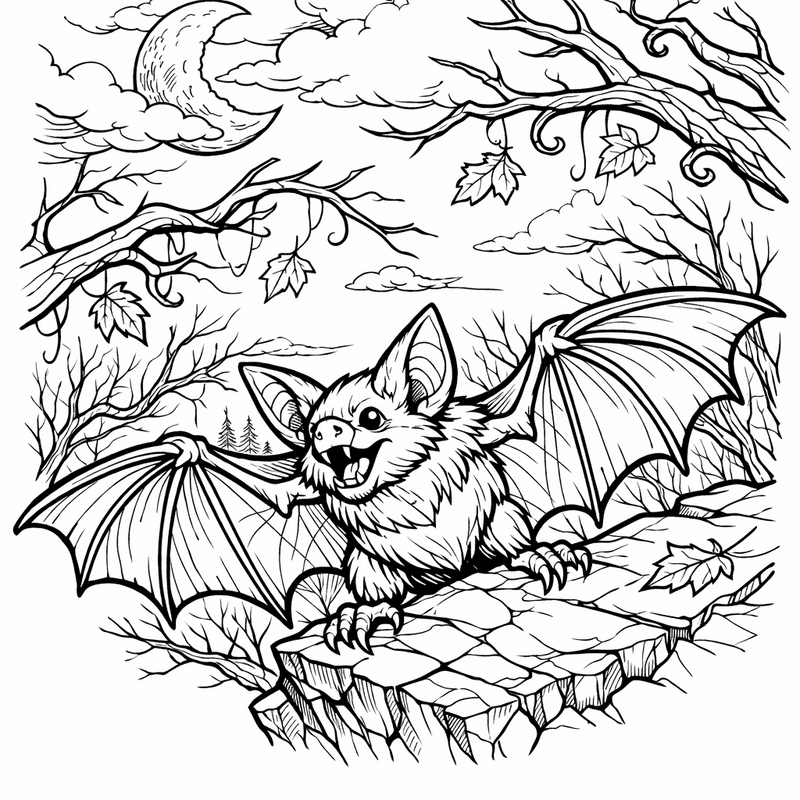
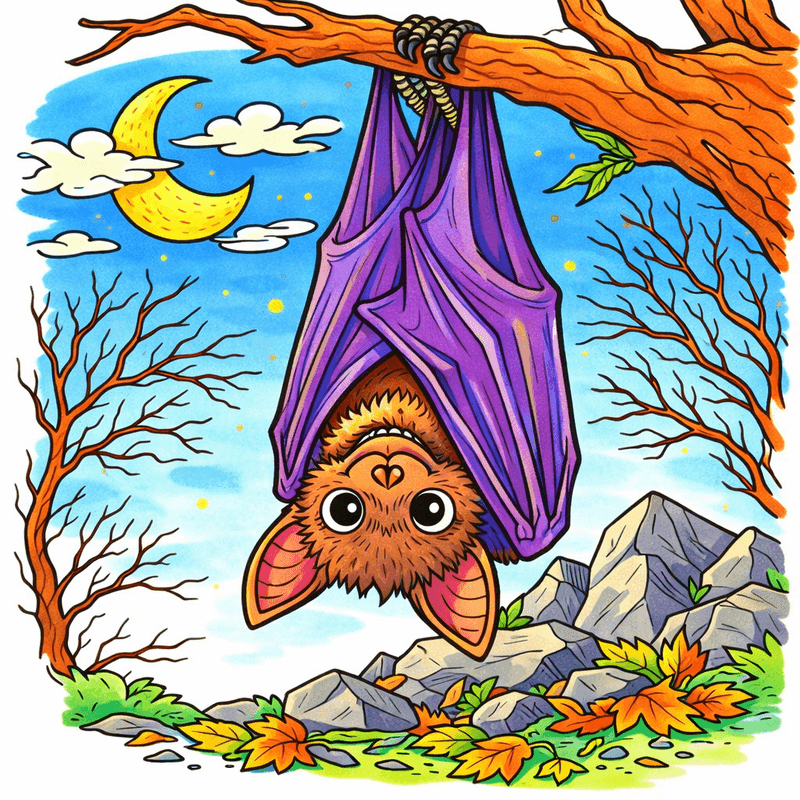
Bat Coloring Page — Bat Wings Spread
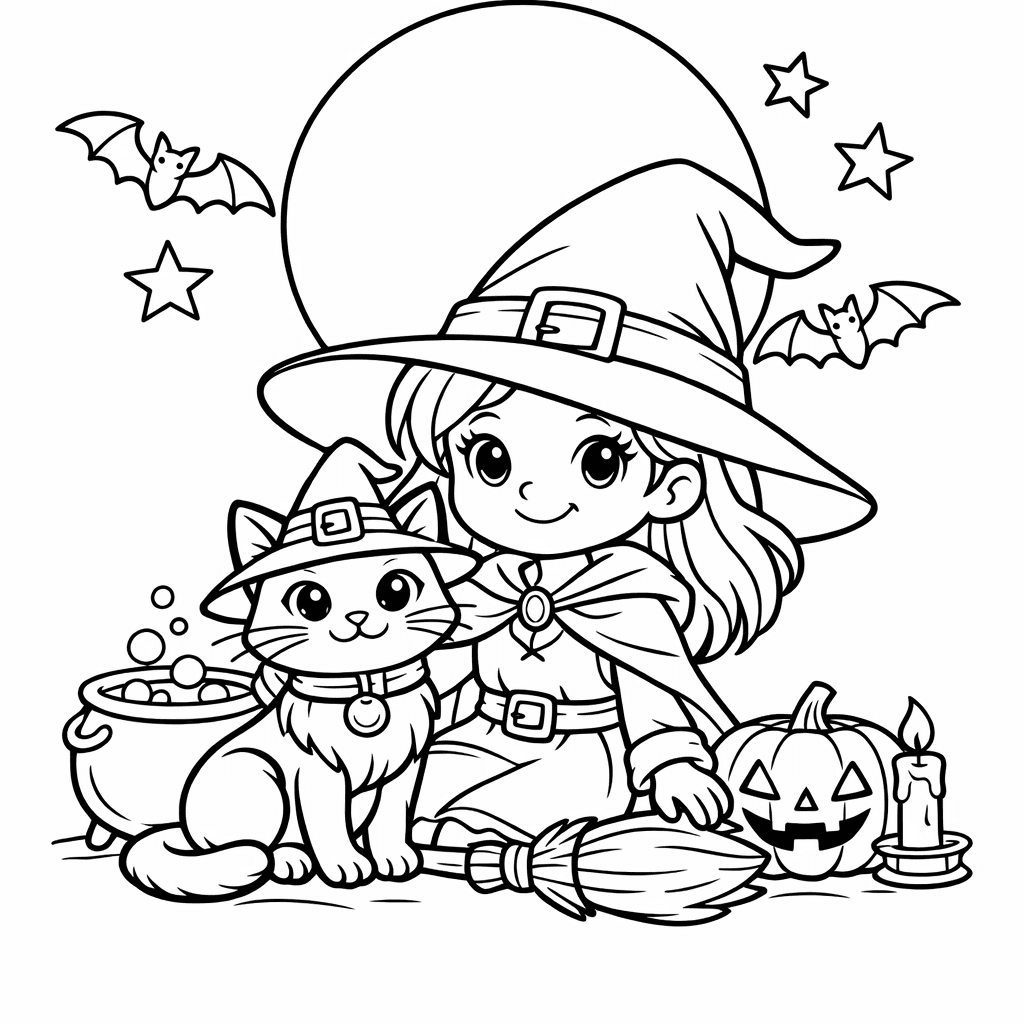
Black Cat Coloring Page — Black Cat Dressed As A Wizard Casting Spells…
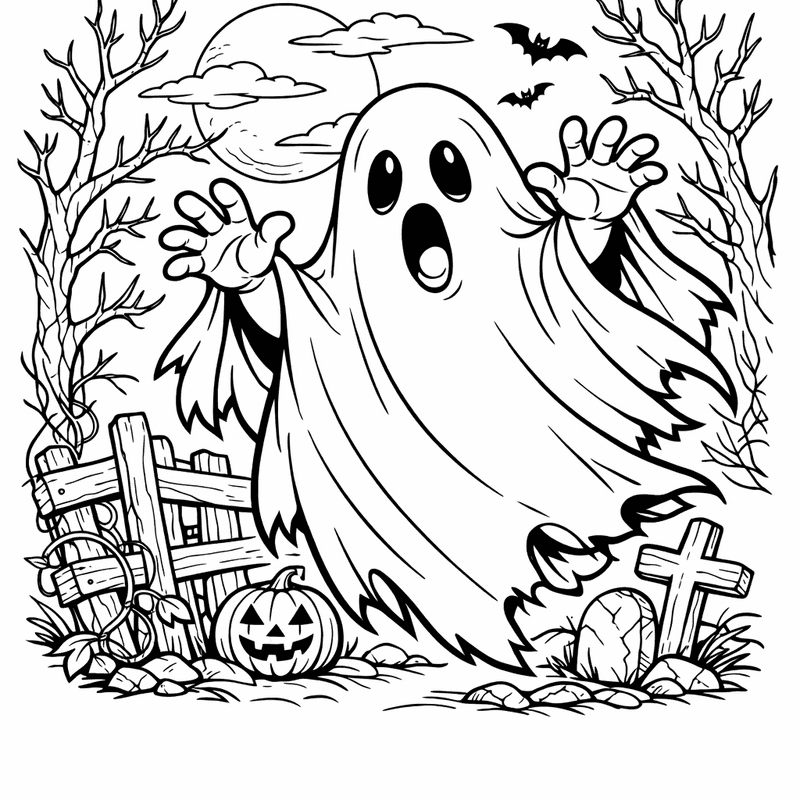
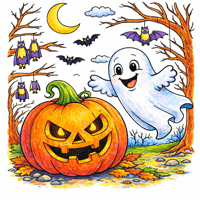
Ghost Coloring Page — Friendly Ghost

Halloween Coloring Page — Object Only: A Cute Halloween With Clean Outlines,…
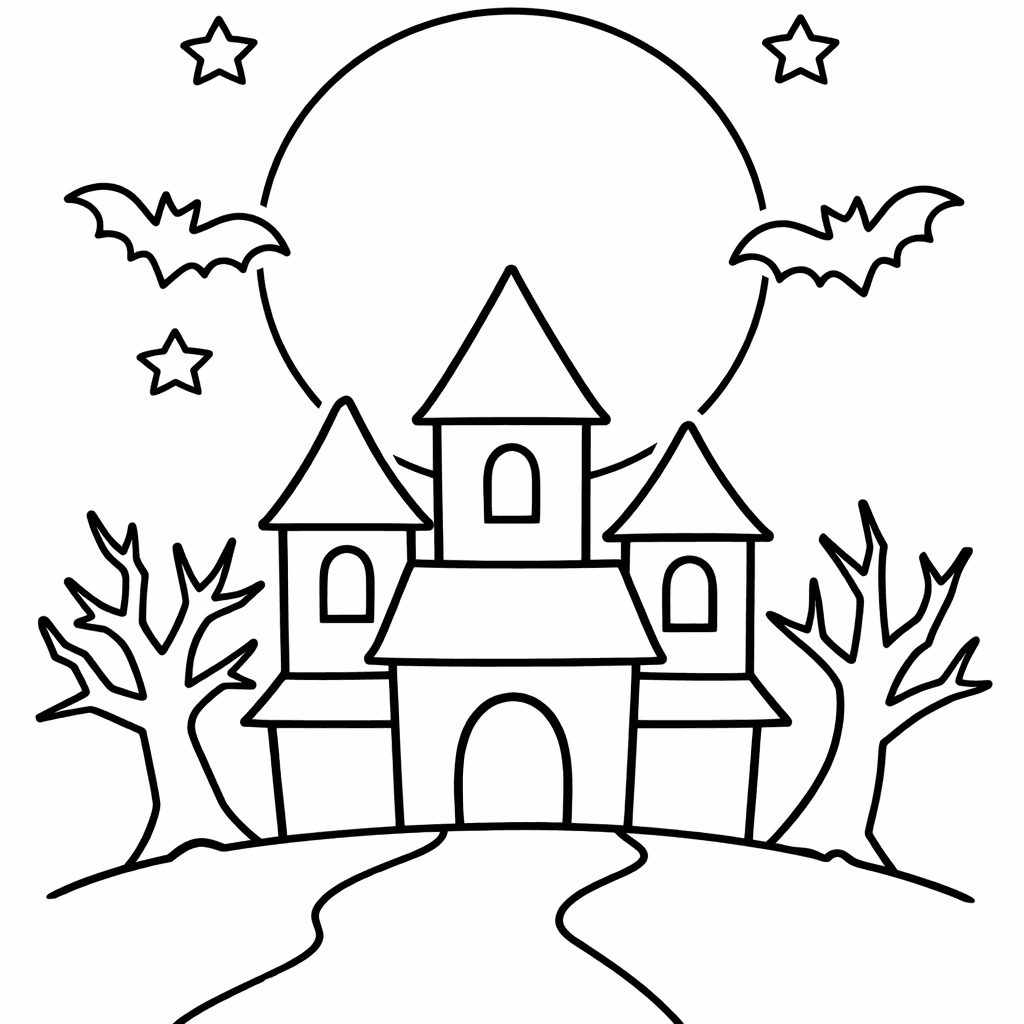
Haunted House Coloring Page — A Witch Stirs A Bubbling Cauldron Outside A…
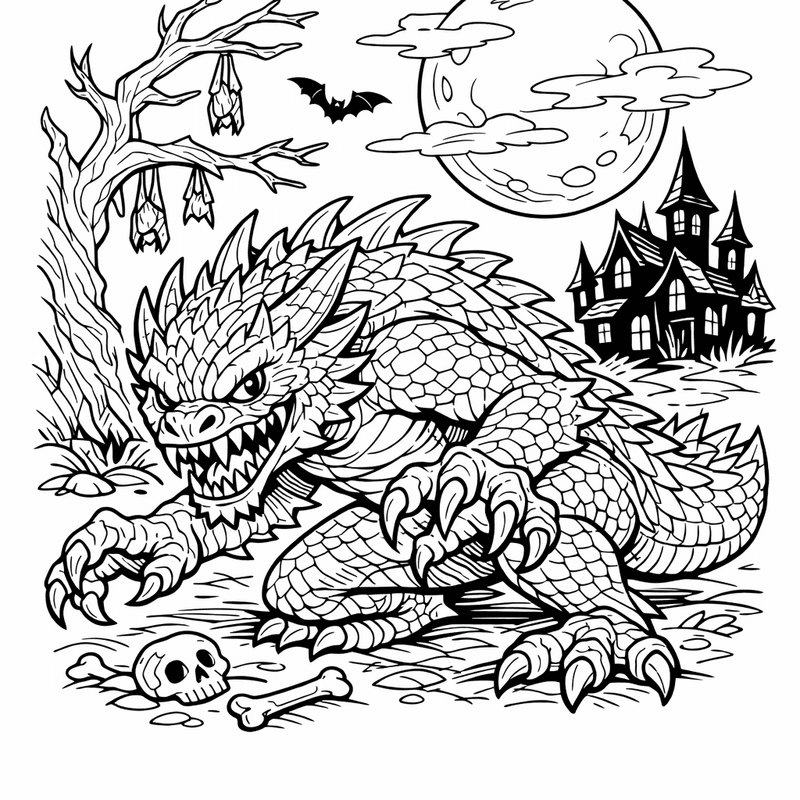
Monster Coloring Page — Friendly Monster Making Halloween Treats With Giggling Children.
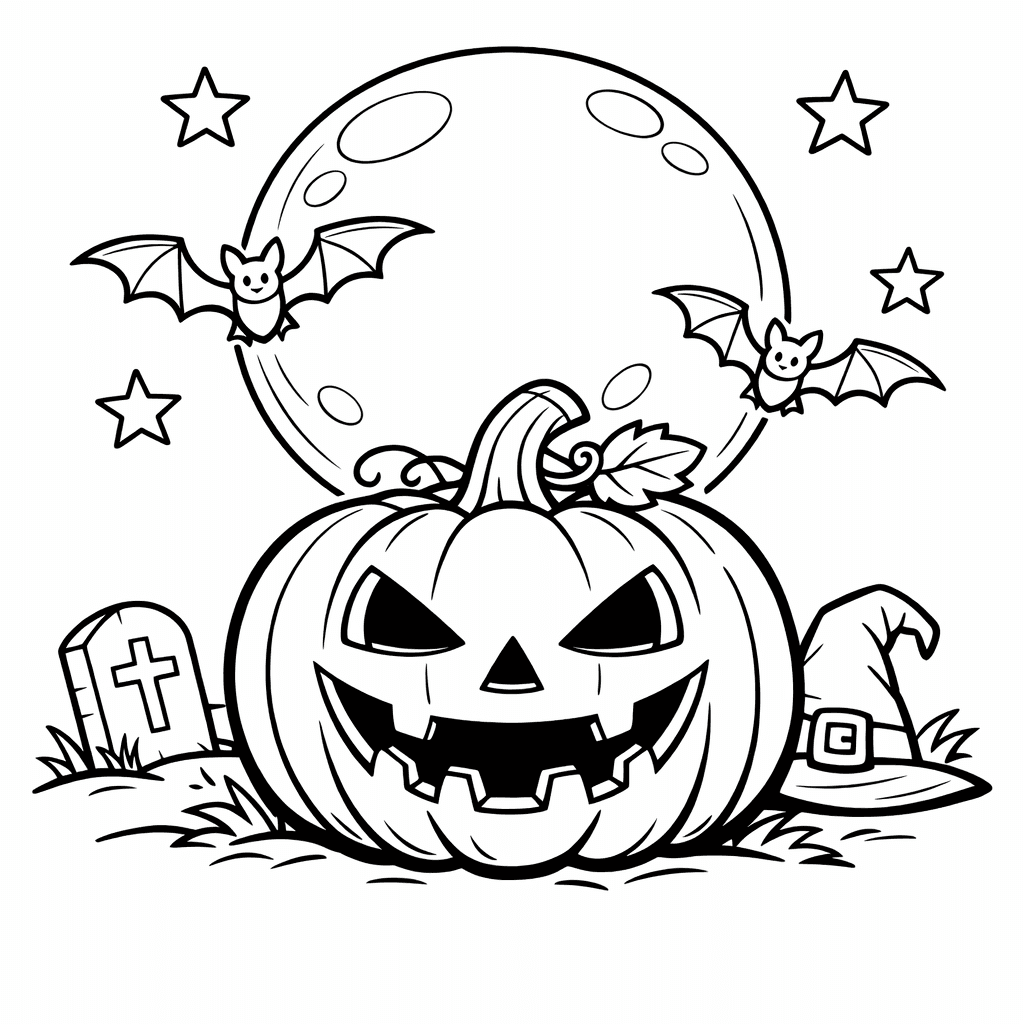
Pumpkin Coloring Page — A Family Of Pumpkins Roasting Marshmallows Over A…
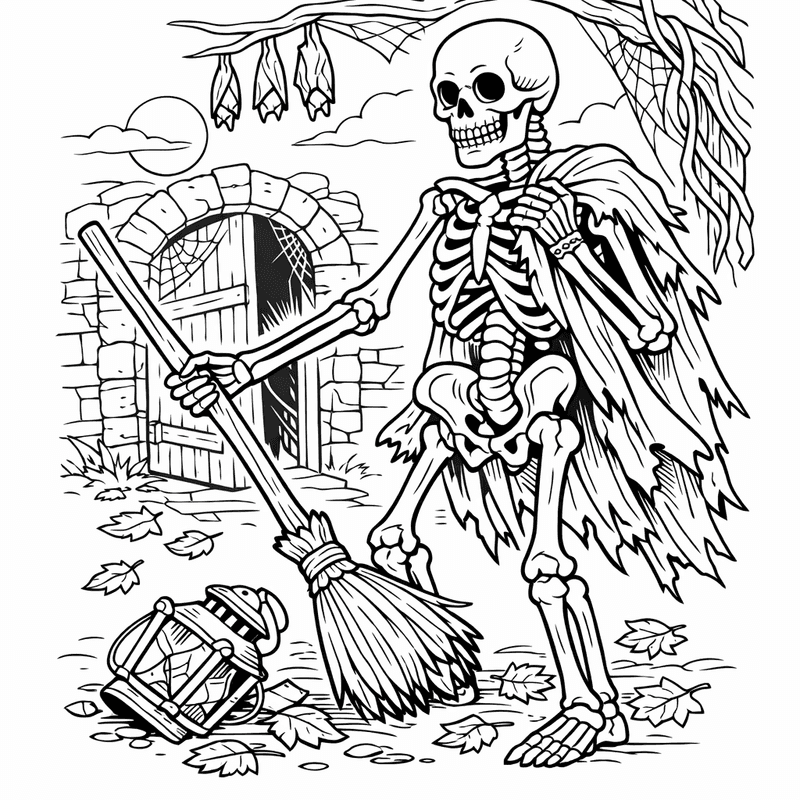
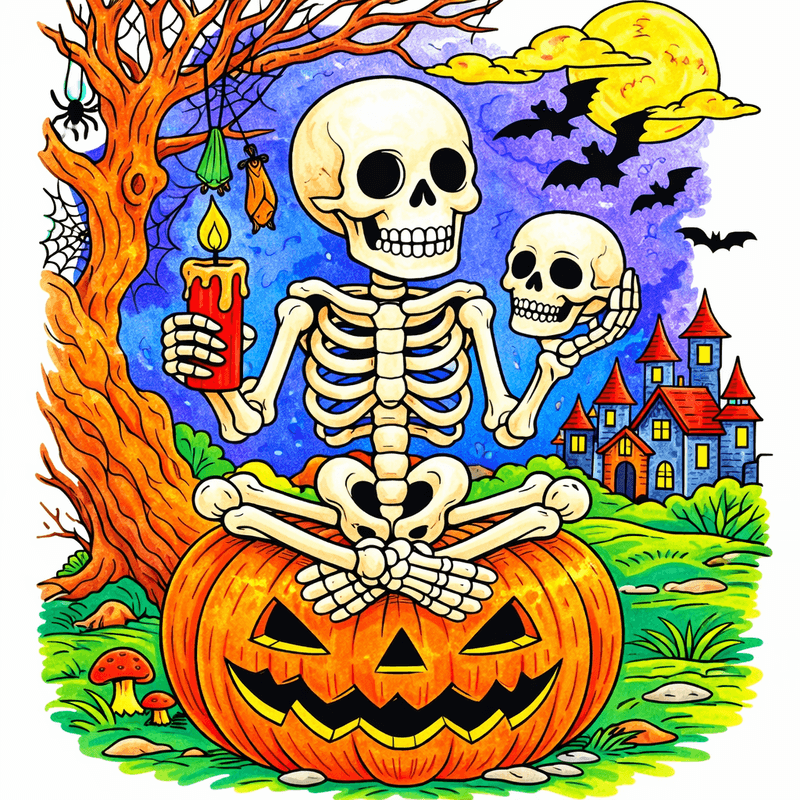
Skeleton Coloring Page — Skeleton Waving
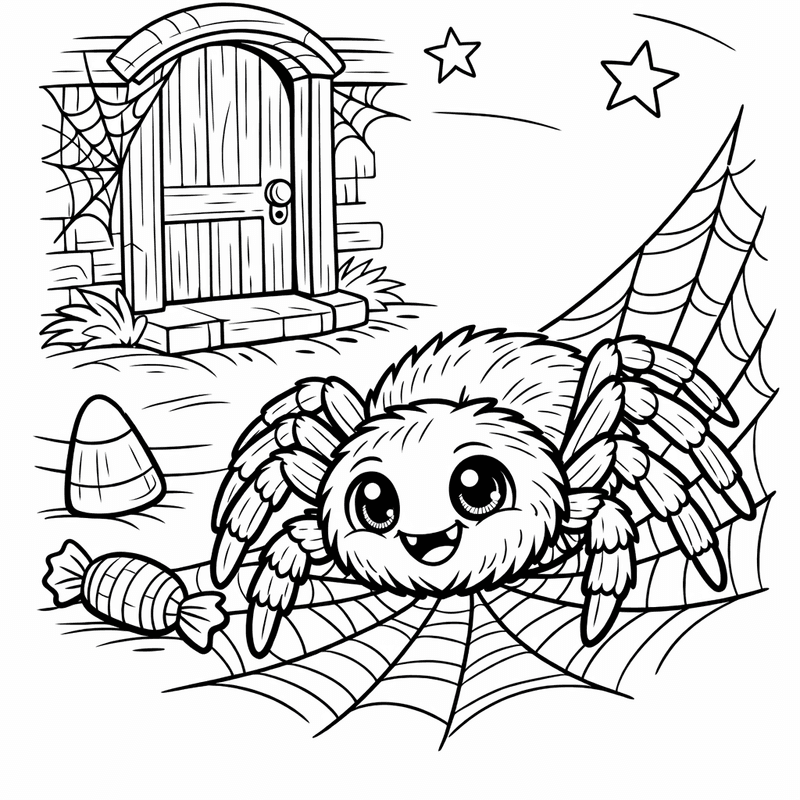
Spider Coloring Page — Spider Face
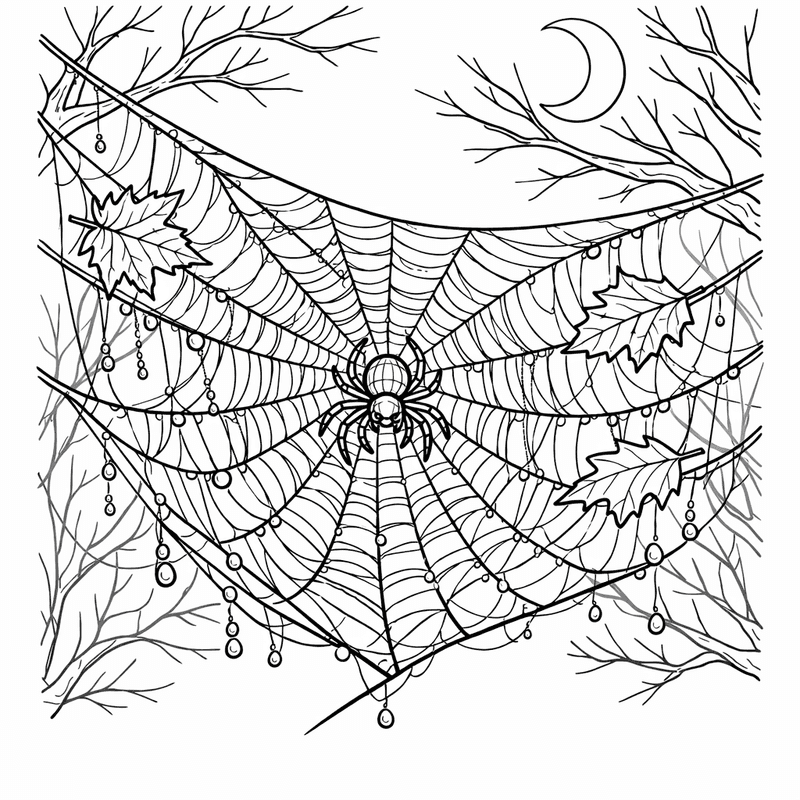
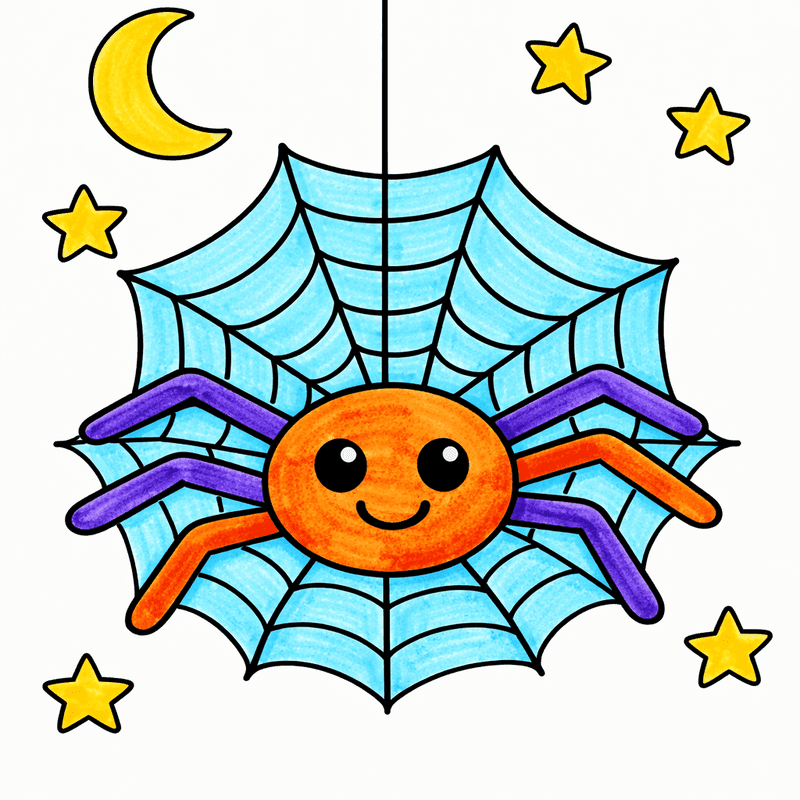
Spider Web Coloring Page — Object Only: A Cute Spider Web With Clean…
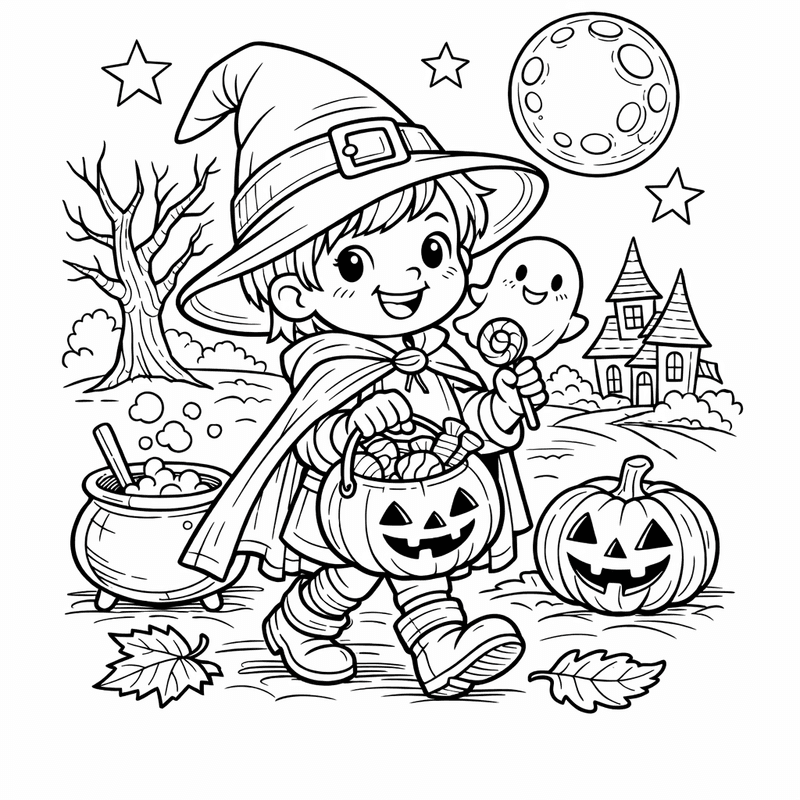
Trick or Treat Coloring Page — Candy And Costume
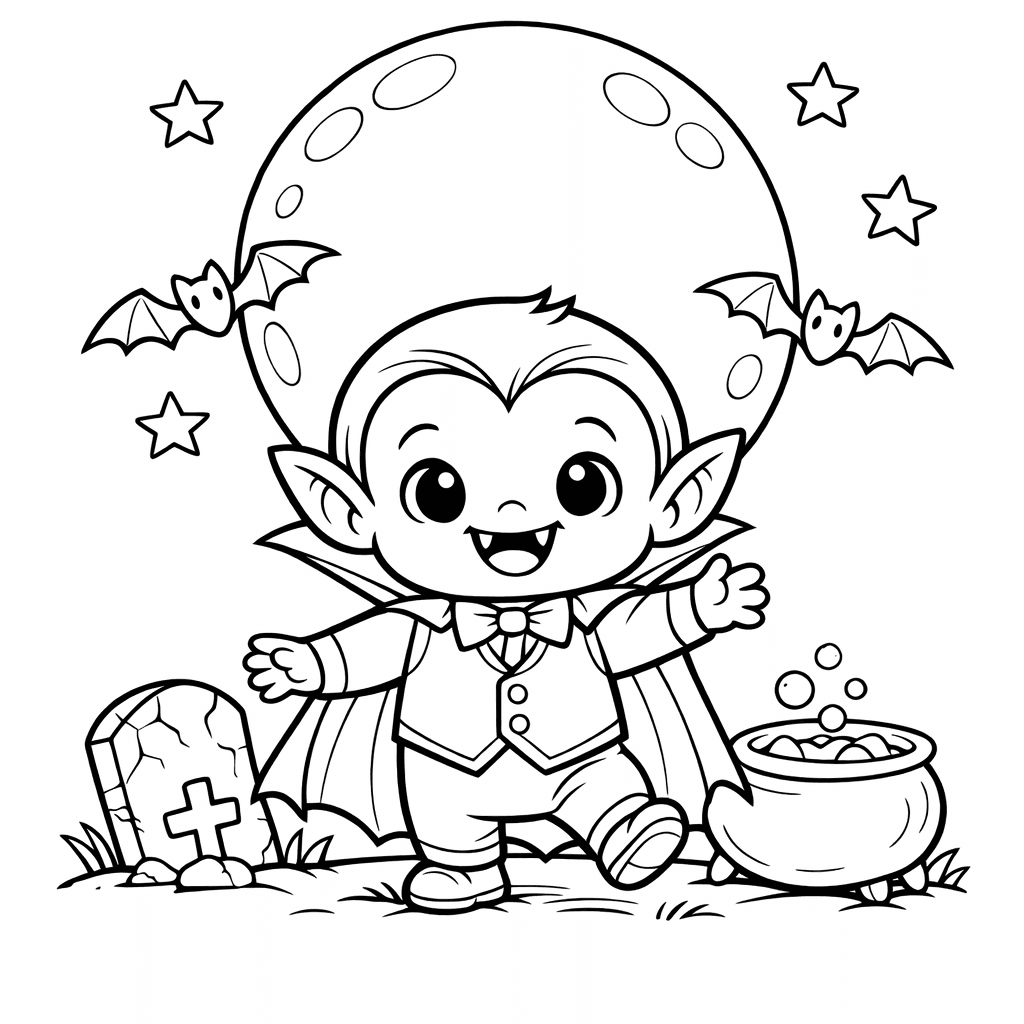
Vampire Coloring Page — Vampire Peeking Out From Behind A Haunted Castle…
All Halloween coloring pages(72)
Bat Coloring Page — Bat Wings Spread
Black Cat Coloring Page — Black Cat Dressed As A Wizard Casting Spells…
Ghost Coloring Page — Friendly Ghost
Halloween Coloring Page — Object Only: A Cute Halloween With Clean Outlines,…
Haunted House Coloring Page — A Witch Stirs A Bubbling Cauldron Outside A…
Monster Coloring Page — Friendly Monster Making Halloween Treats With Giggling Children.
Pumpkin Coloring Page — A Family Of Pumpkins Roasting Marshmallows Over A…
Skeleton Coloring Page — Skeleton Waving
Spider Coloring Page — Spider Face
Spider Web Coloring Page — Object Only: A Cute Spider Web With Clean…
Trick or Treat Coloring Page — Candy And Costume
Vampire Coloring Page — Vampire Peeking Out From Behind A Haunted Castle…
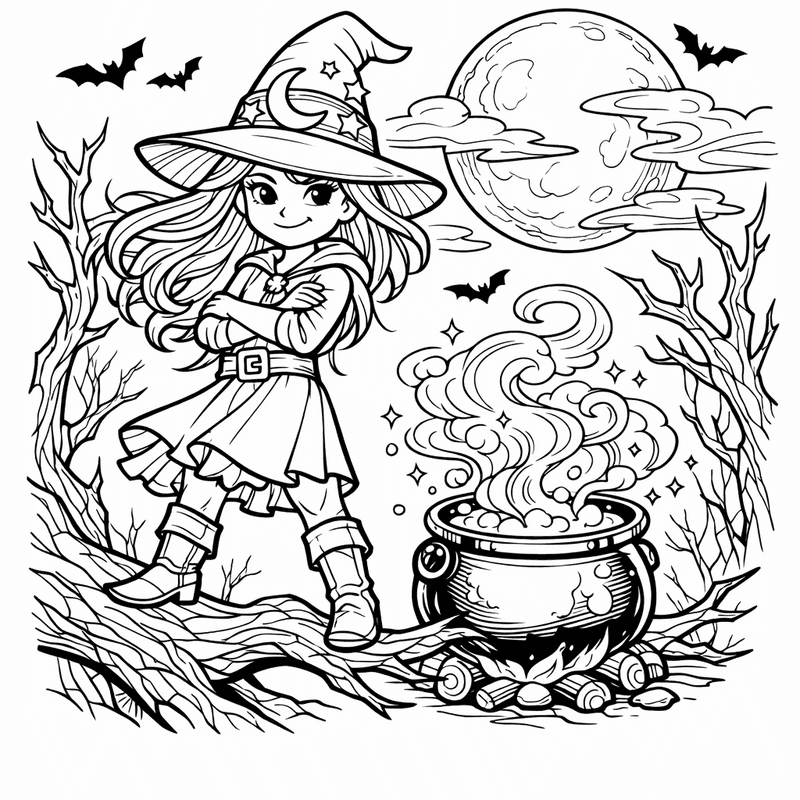
Witch Coloring Page — Witch Hat
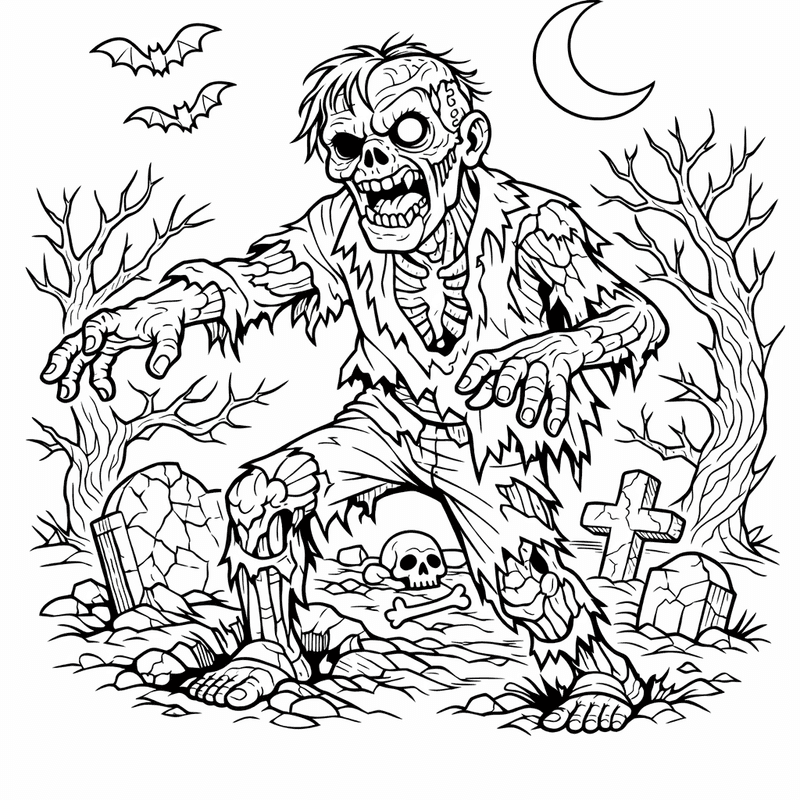
Zombie Coloring Page — Object Only: A Cute Zombie With Clean Outlines,…
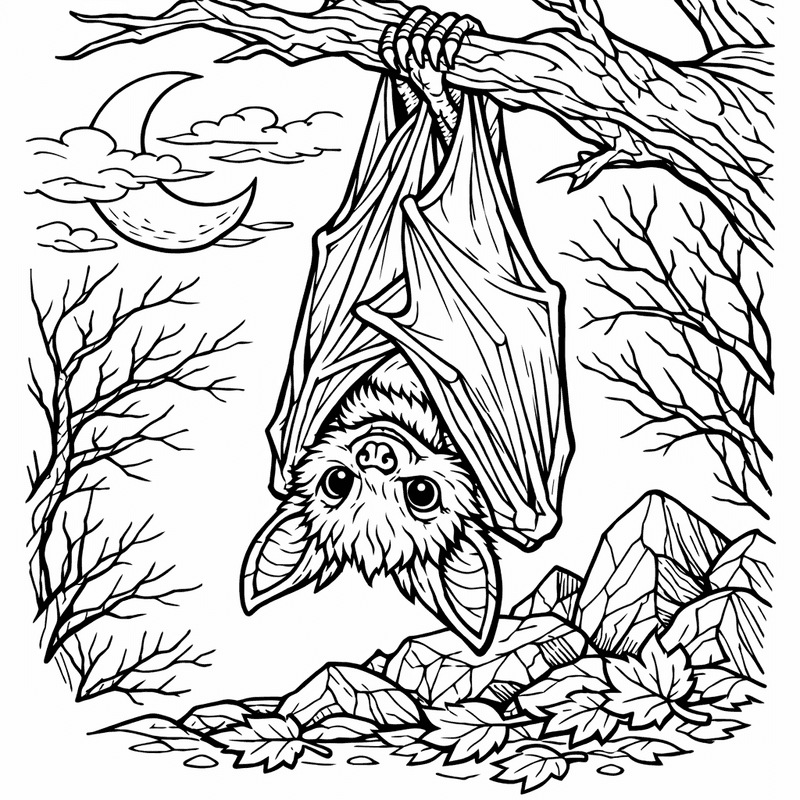
Bat Coloring Page — Bat Silhouette
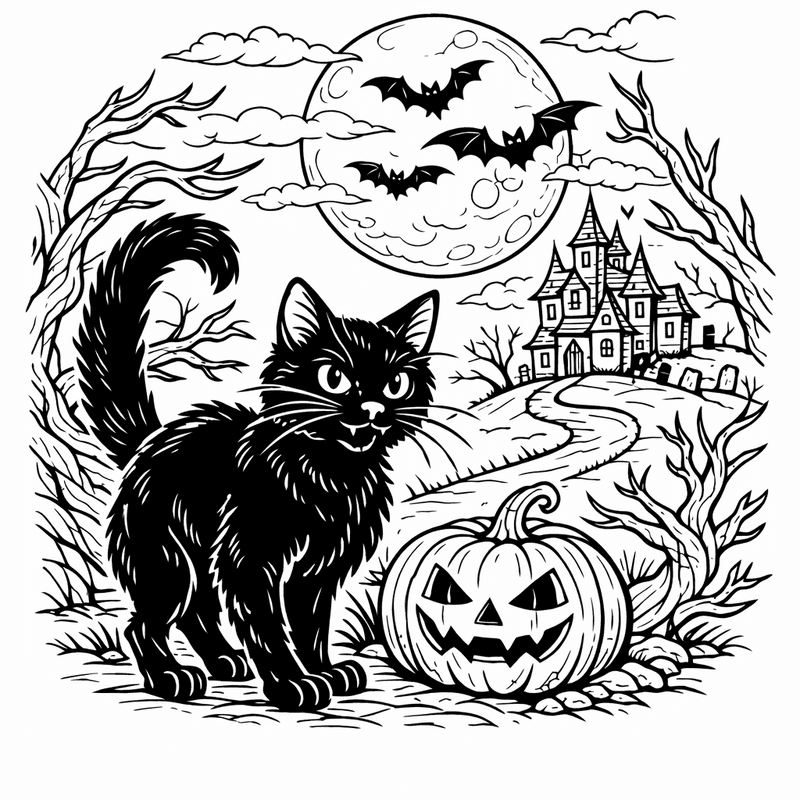
Black Cat Coloring Page — Black Cat With Witch

Ghost Coloring Page — Ghost In House

Halloween Coloring Page — Object Only: Two Or Three Halloweens Side By…
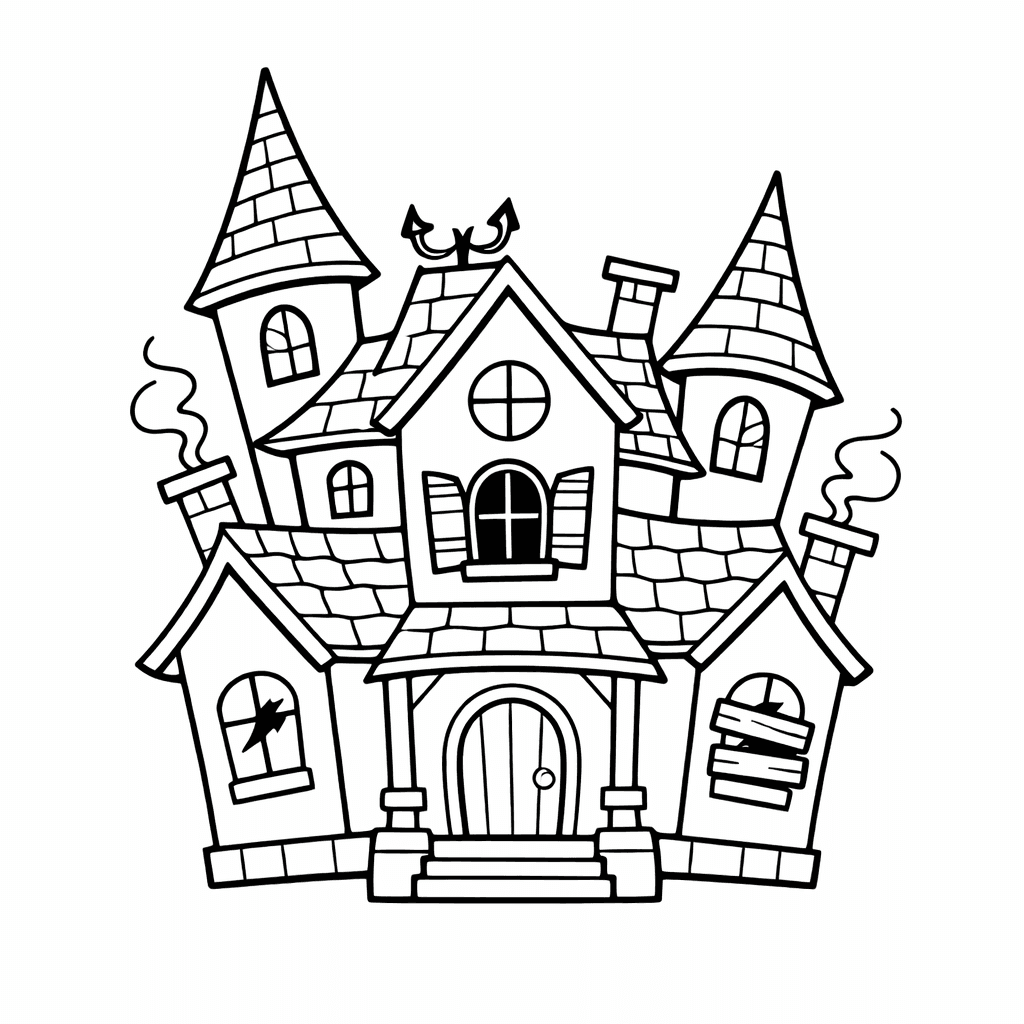
Haunted House Coloring Page — A Friendly Skeleton Welcomes Kids At The Haunted…
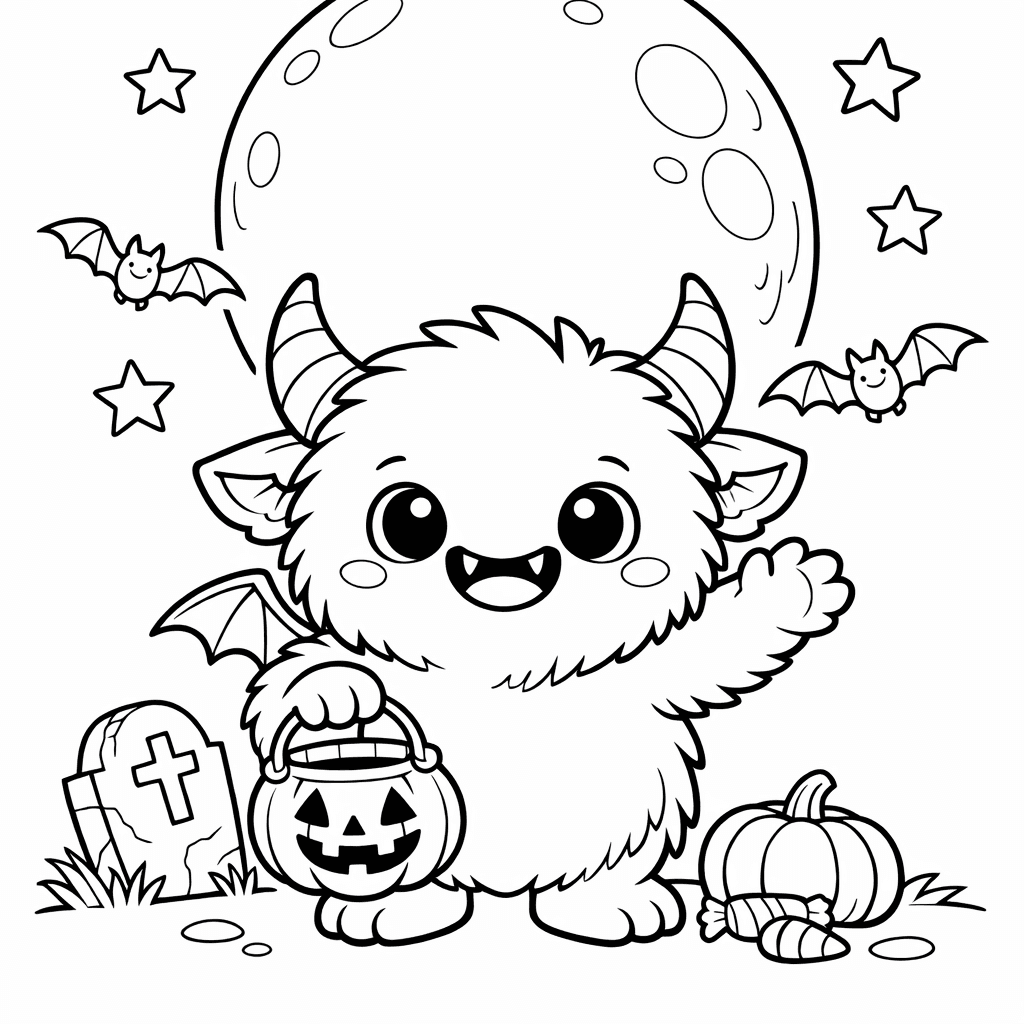
Monster Coloring Page — Monster Dancing
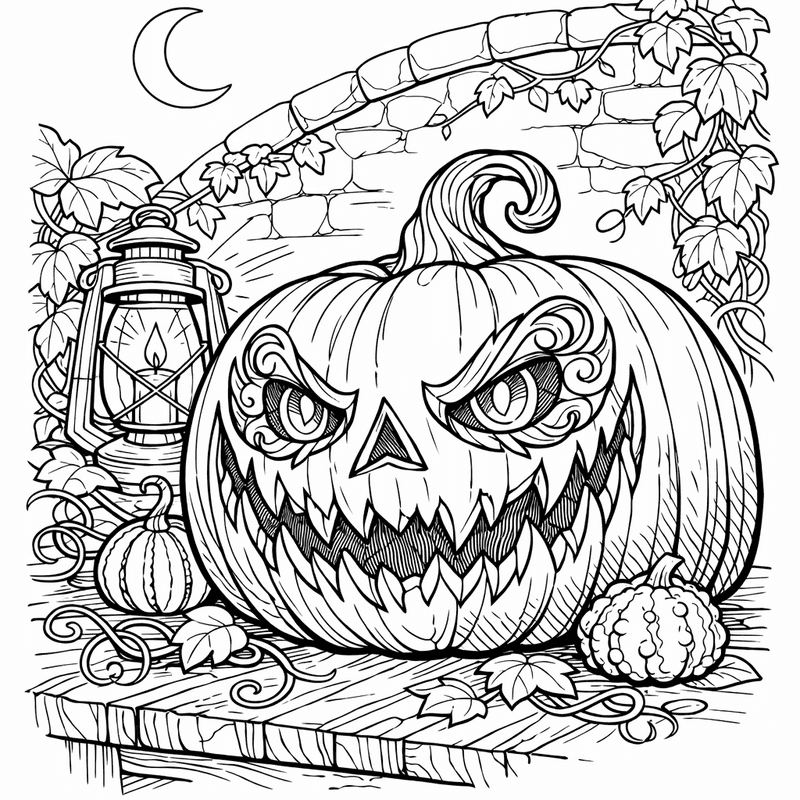
Pumpkin Coloring Page — Pumpkin With Face
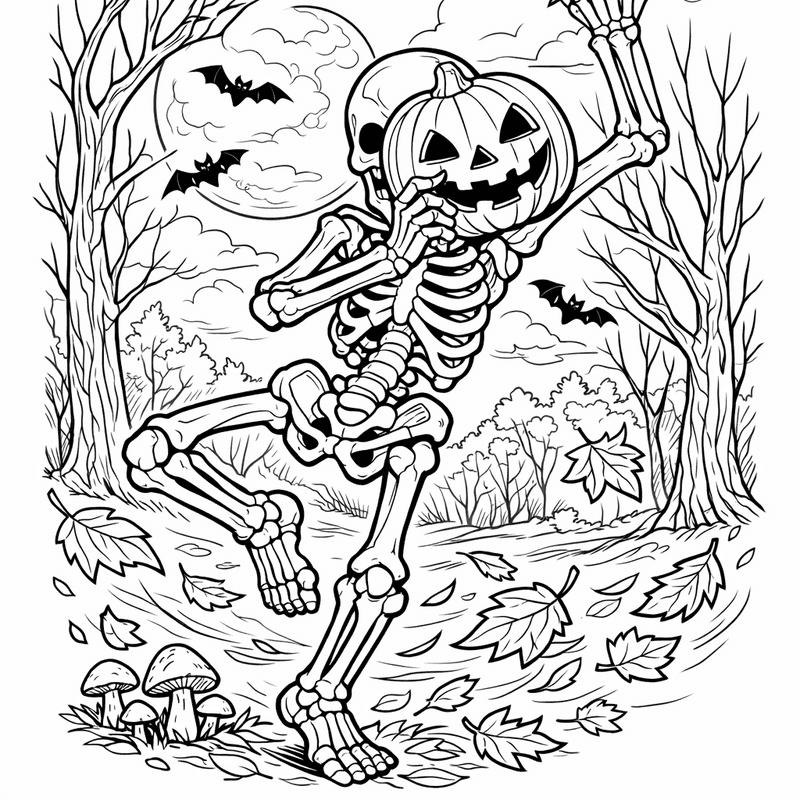
Skeleton Coloring Page — Object Only: A Cute Skeleton With Clean Outlines,…
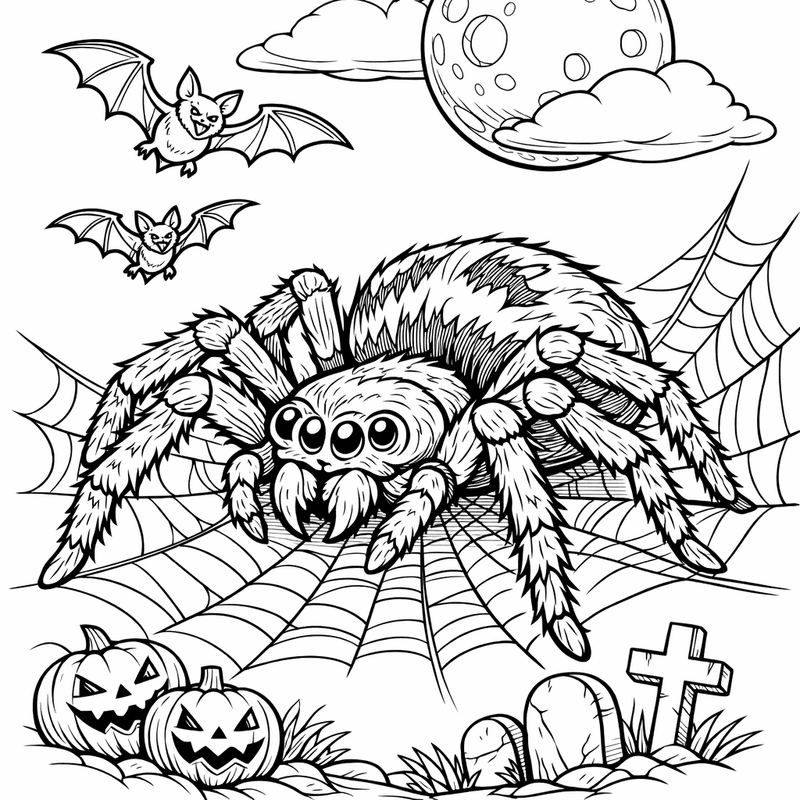
Spider Coloring Page — Spider In Corner
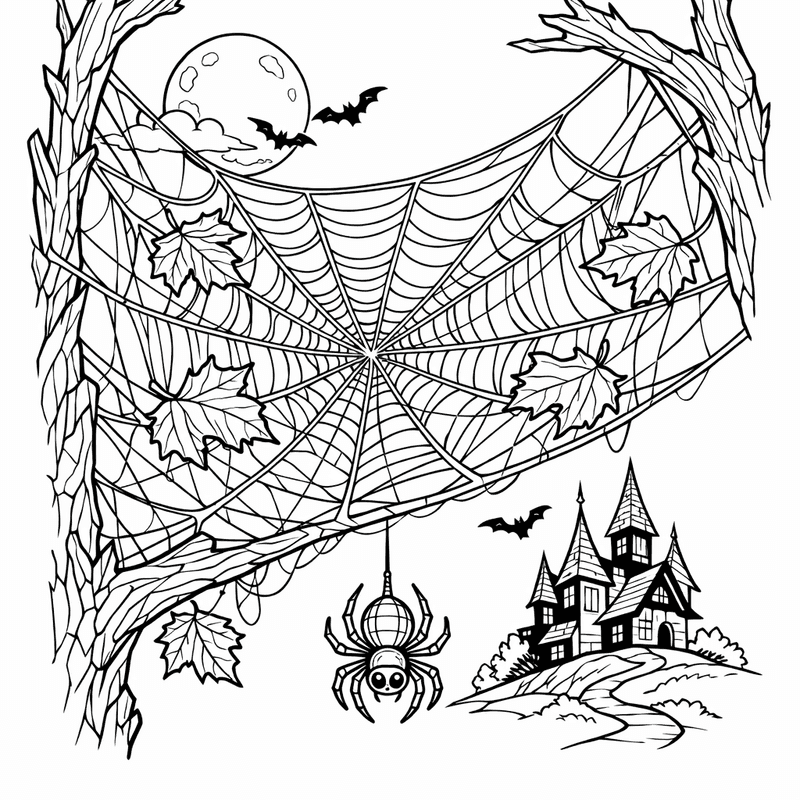
Spider Web Coloring Page — Spider Web Outline
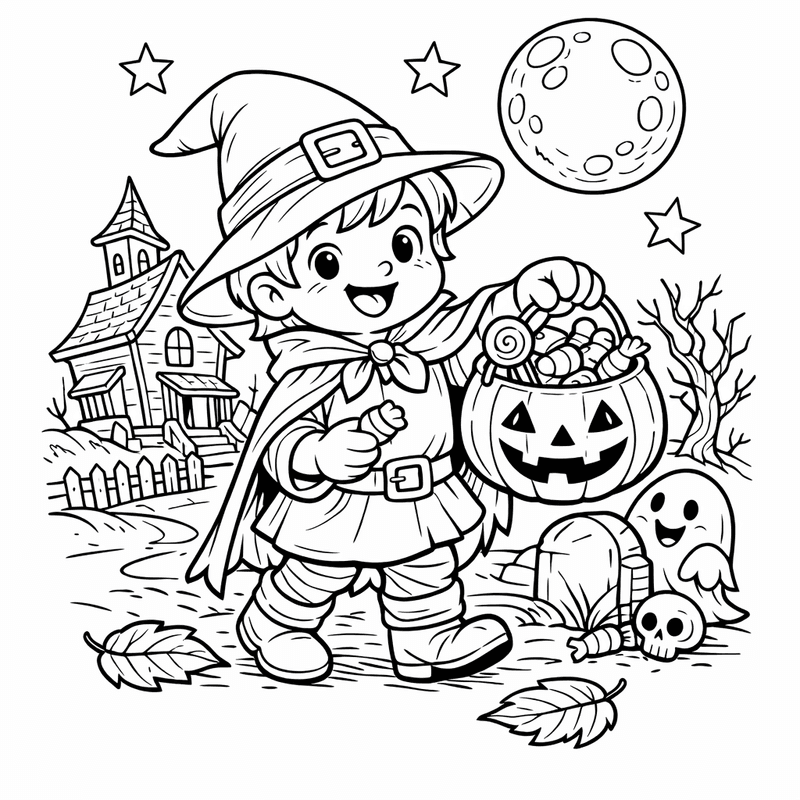
Trick or Treat Coloring Page — Trick Or Treat Bag
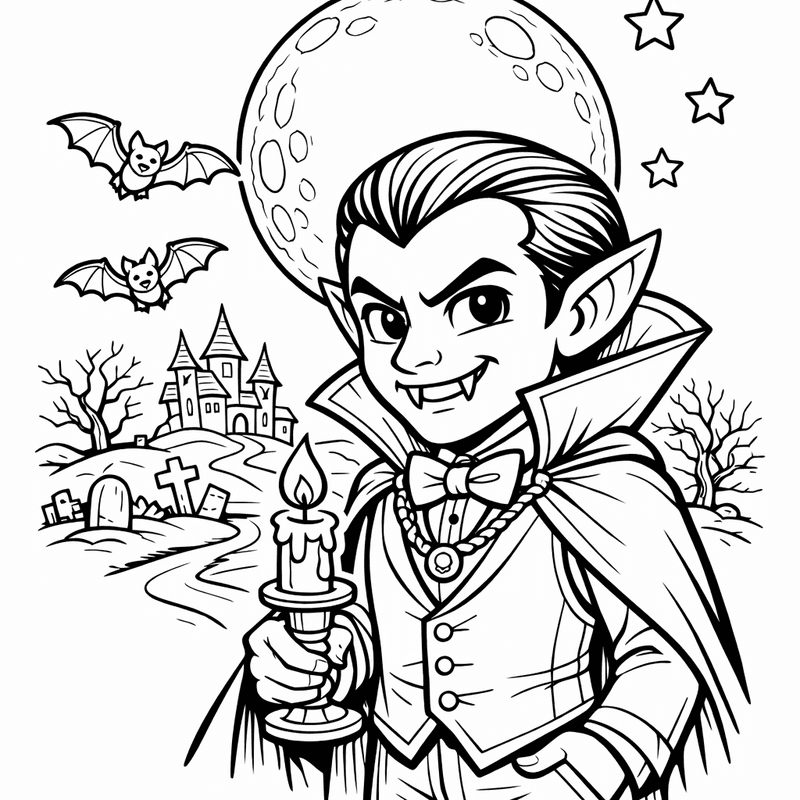
Vampire Coloring Page — Vampire Cape
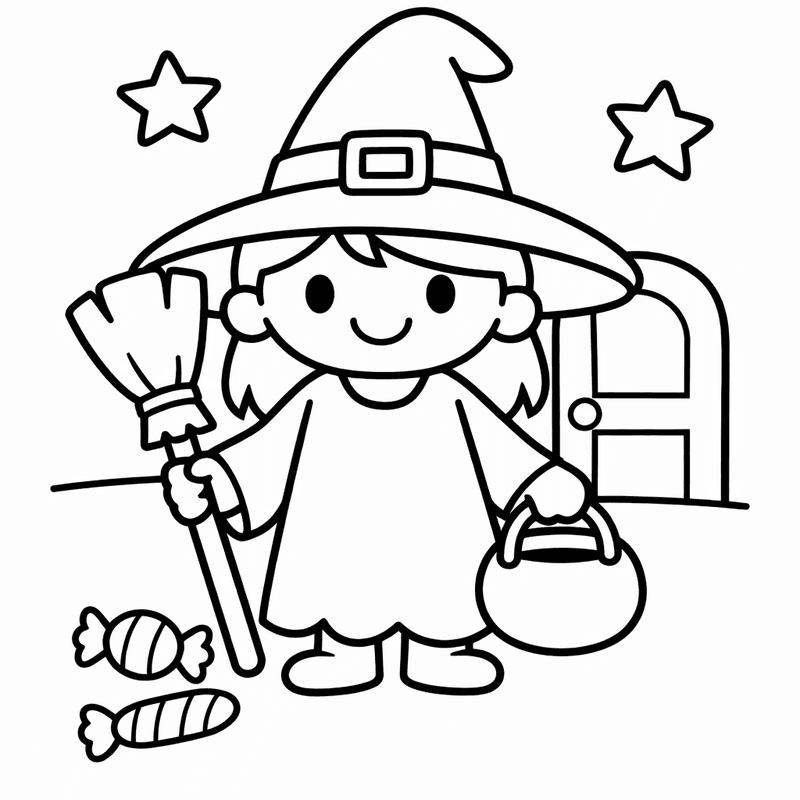
Witch Coloring Page — Witch On Broom
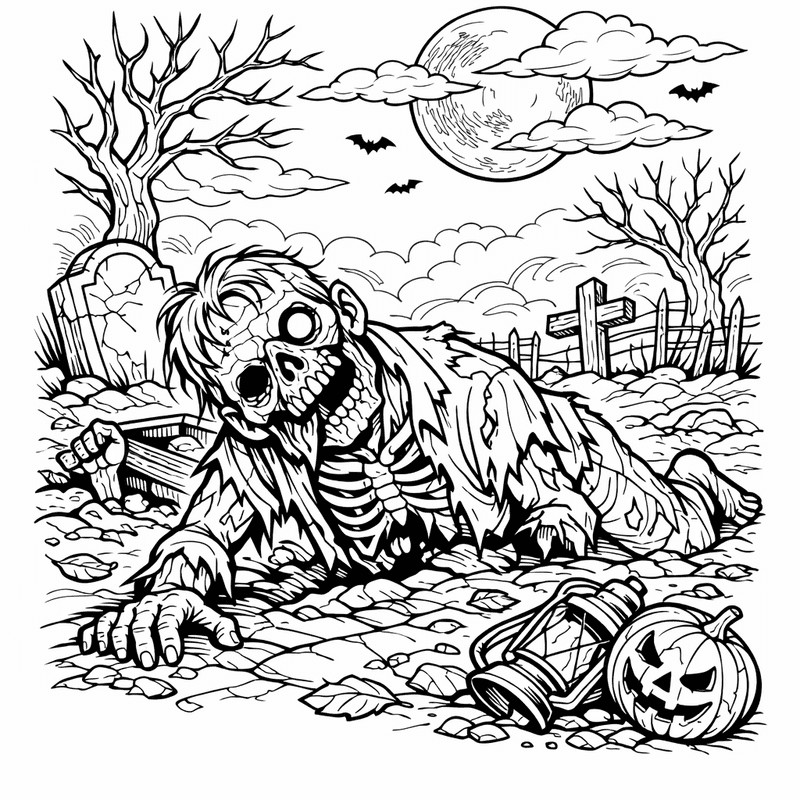
Zombie Coloring Page — Friendly Zombie
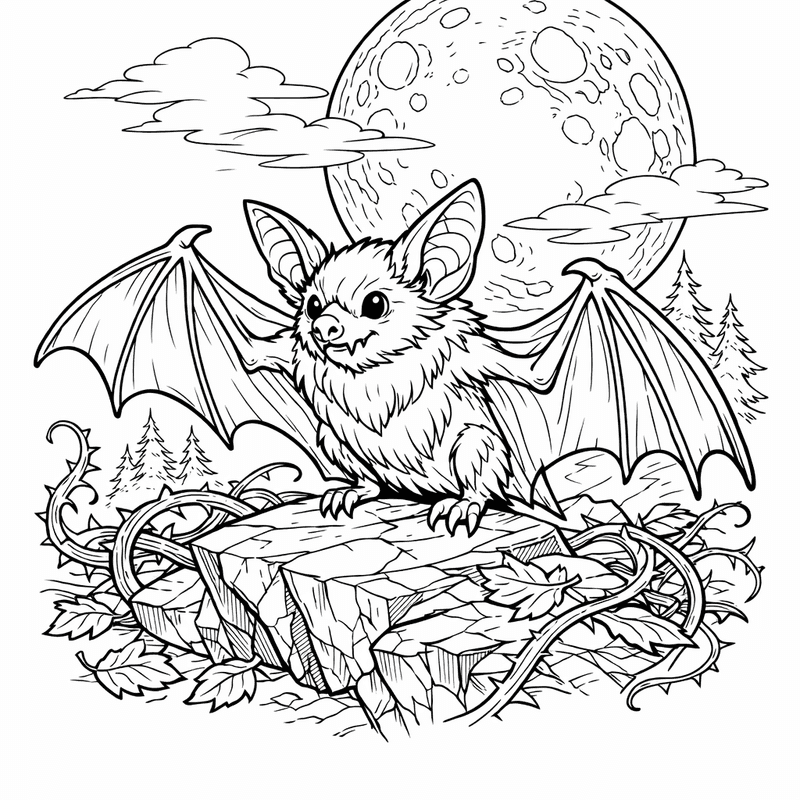
Bat Coloring Page — Bat On Branch
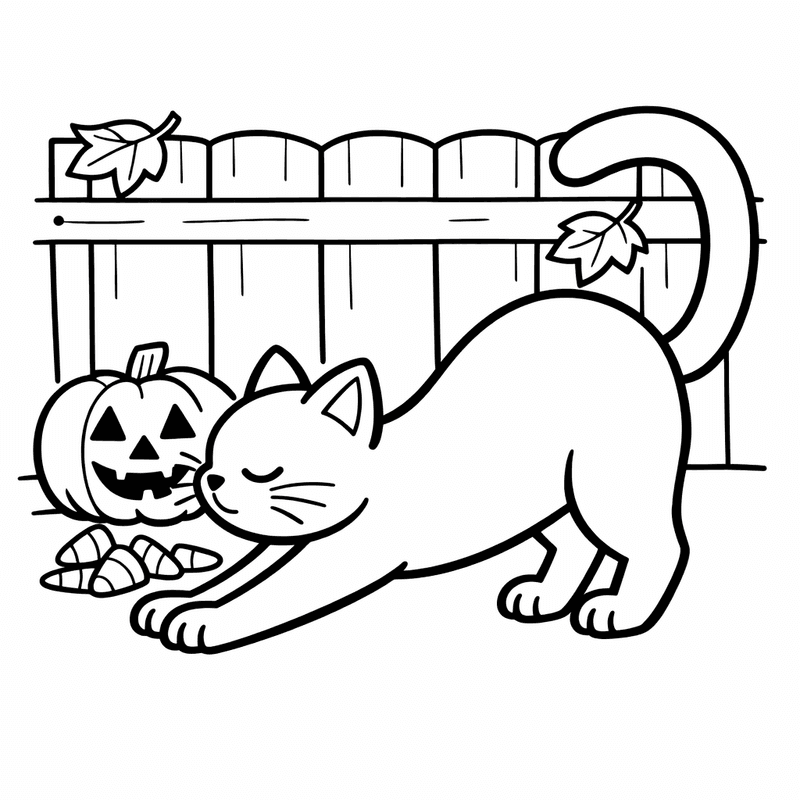
Black Cat Coloring Page — Black Cat And Moon

Ghost Coloring Page — Object Only: A Cute Ghost With Clean Outlines,…

Halloween Coloring Page — Trick Or Treat
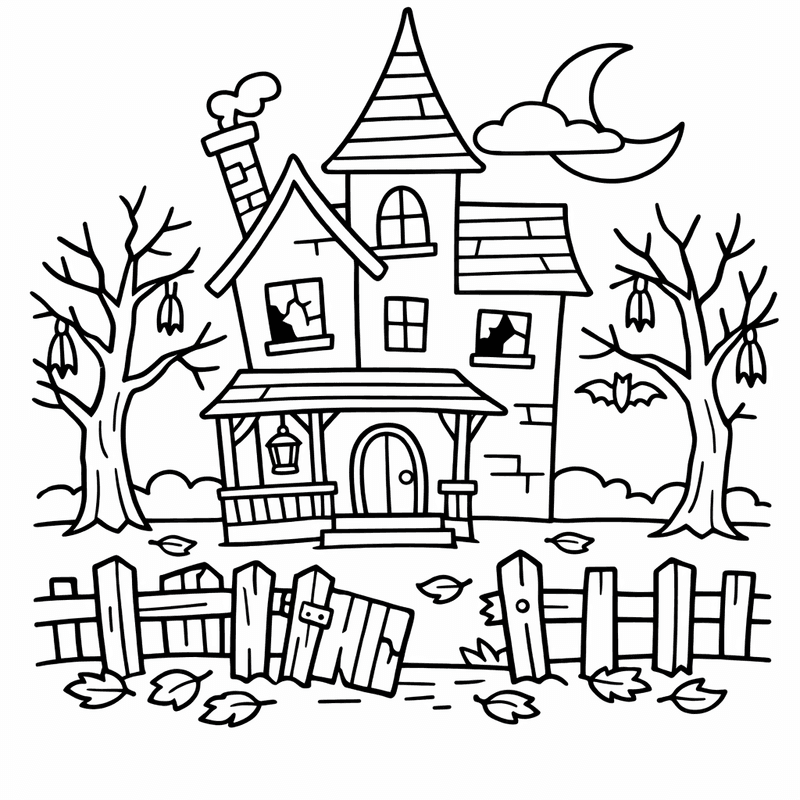
Haunted House Coloring Page — Haunted Mansion
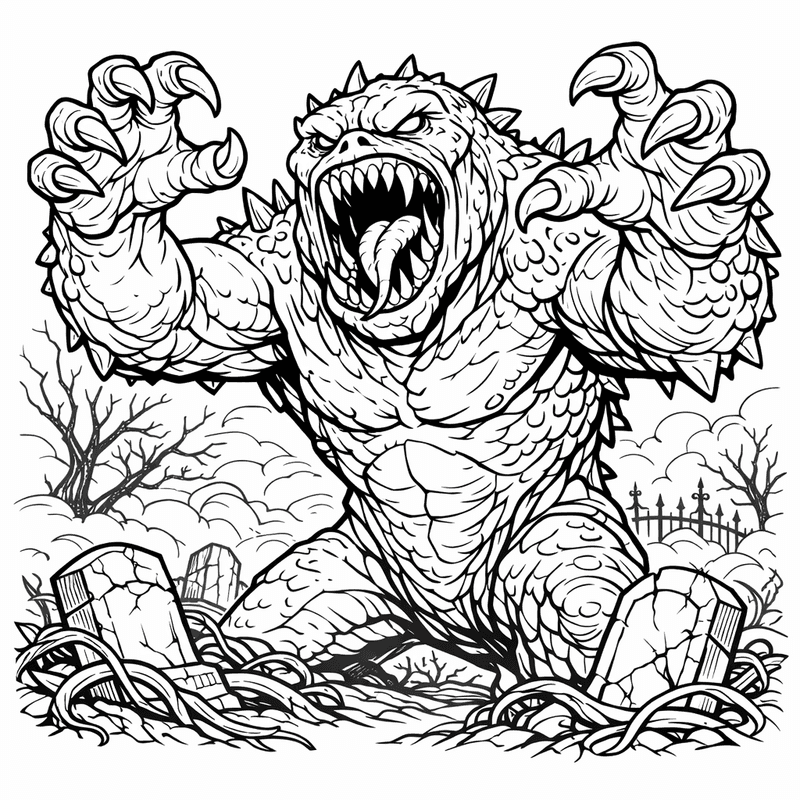
Monster Coloring Page — Object Only: A Cute Monster With Clean Outlines,…
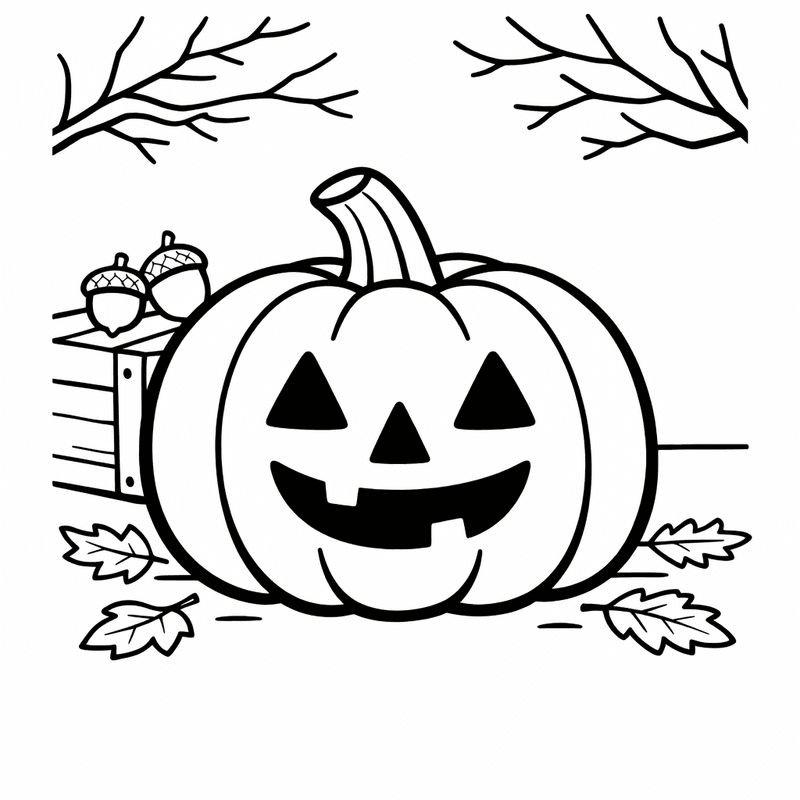
Pumpkin Coloring Page — Object Only: A Cute Pumpkin With Clean Outlines,…
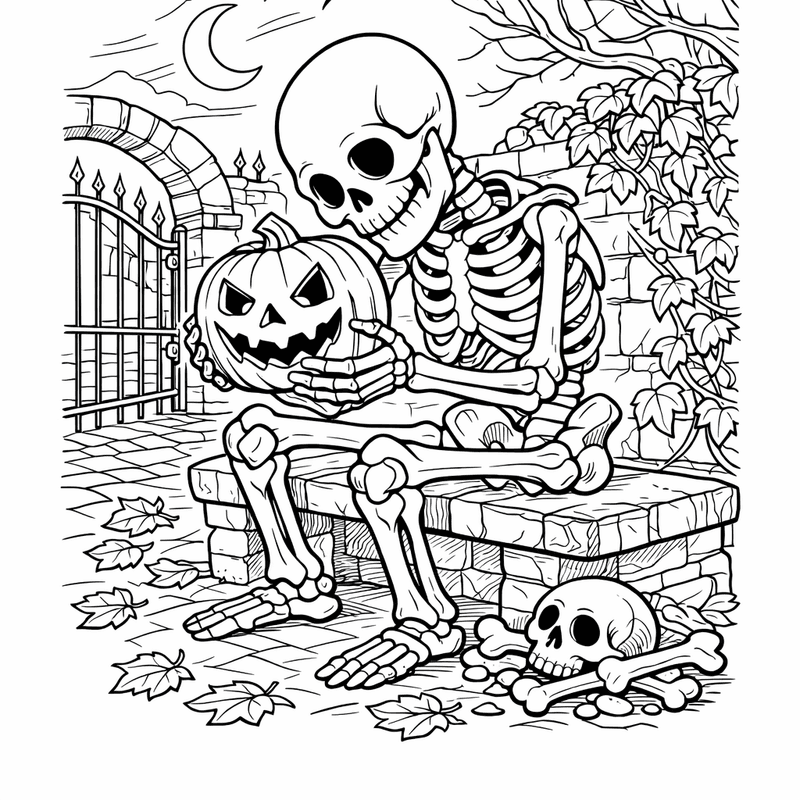
Skeleton Coloring Page — Skeleton Standing
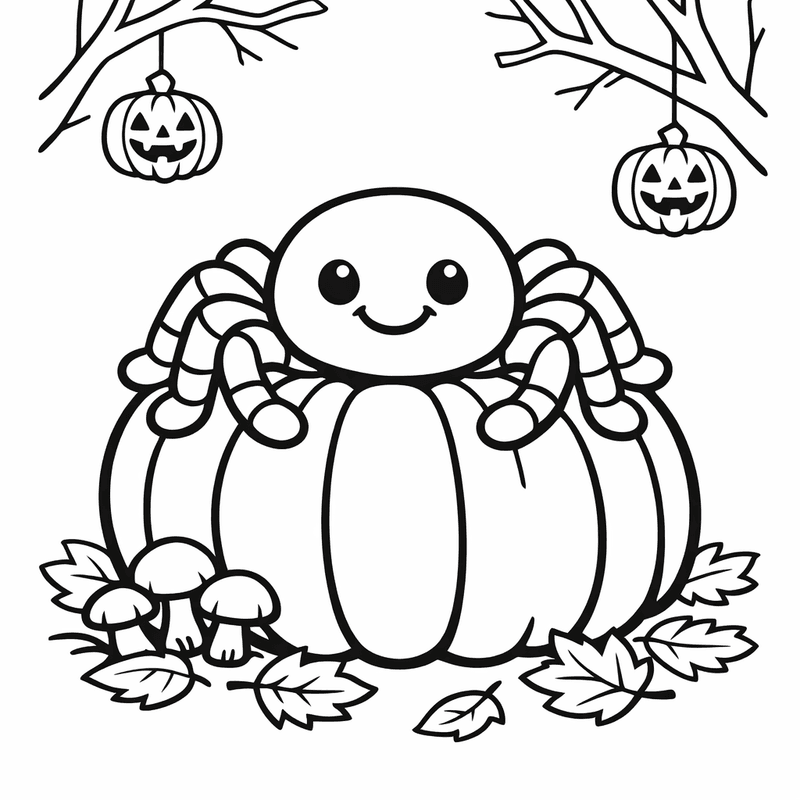
Spider Coloring Page — Object Only: A Cute Spider With Clean Outlines,…
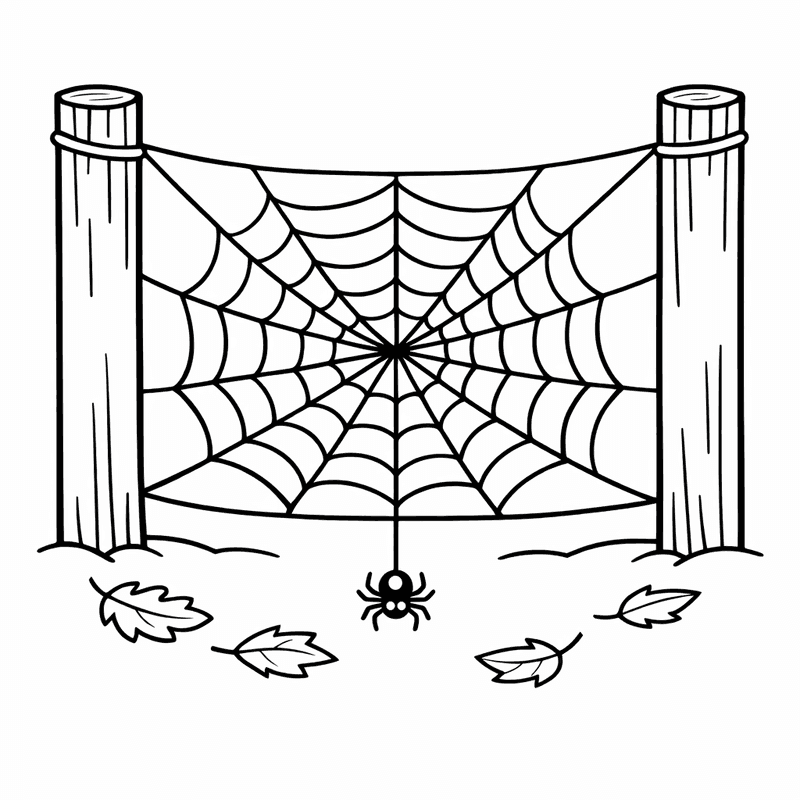
Spider Web Coloring Page — Spider Web With Dew
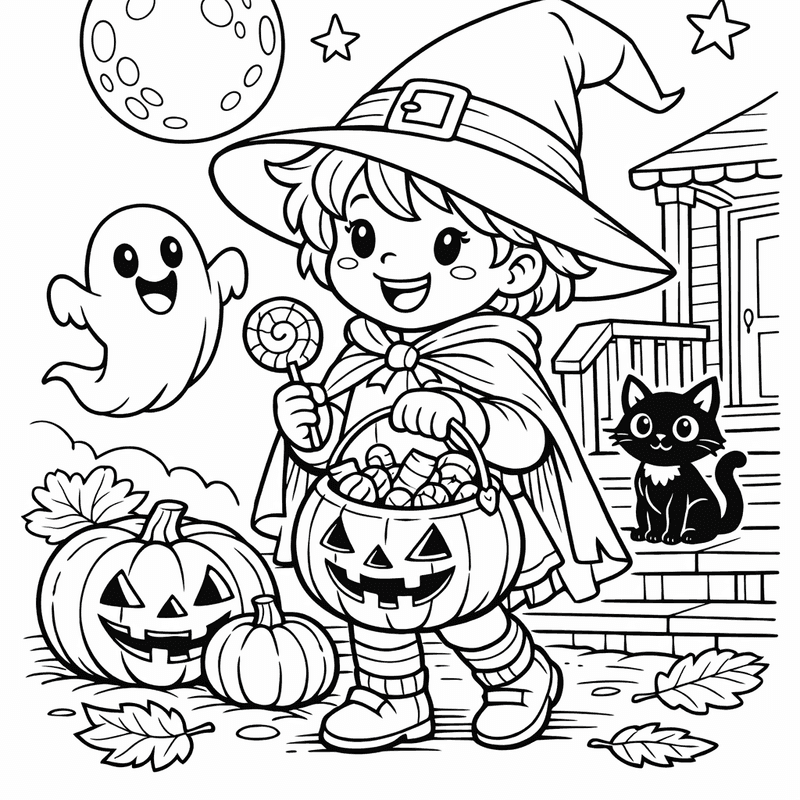
Trick or Treat Coloring Page — Object Only: A Cute Trick Or Treat With…
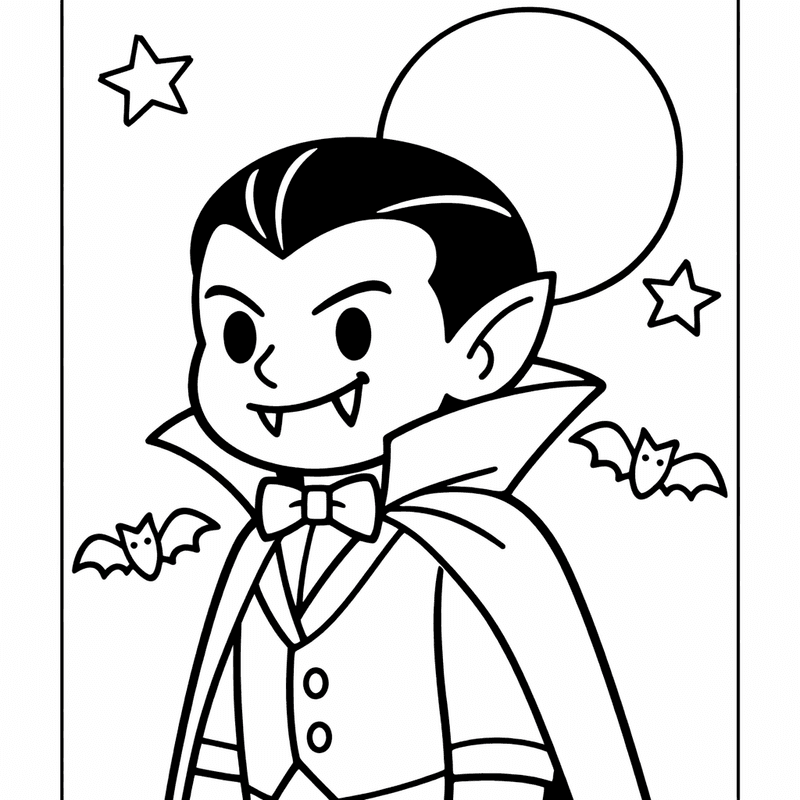
Vampire Coloring Page — Object Only: A Cute Vampire With Clean Outlines,…
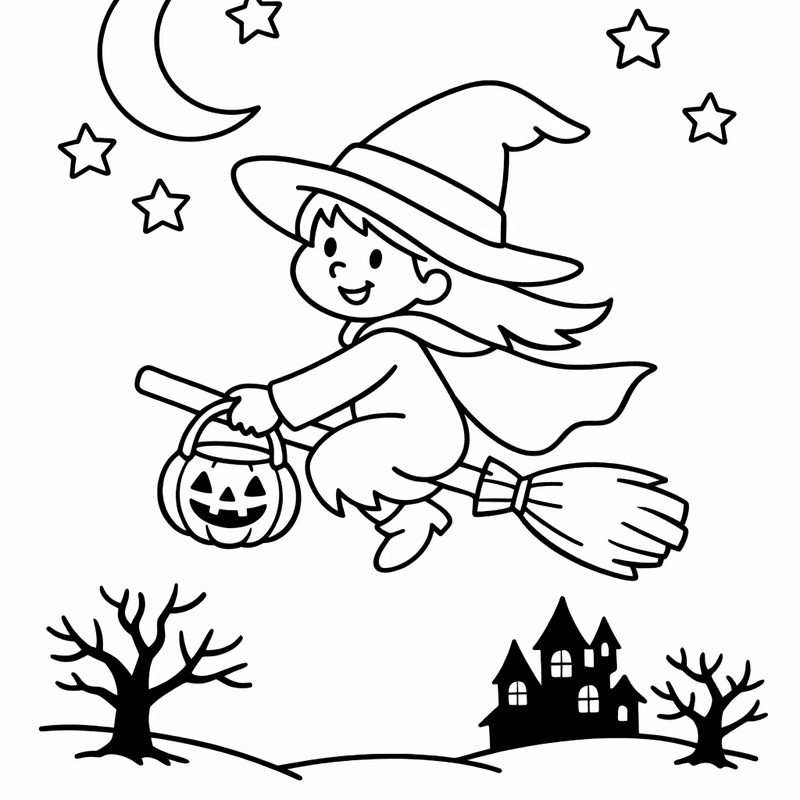
Witch Coloring Page — Object Only: A Cute Witch With Clean Outlines,…
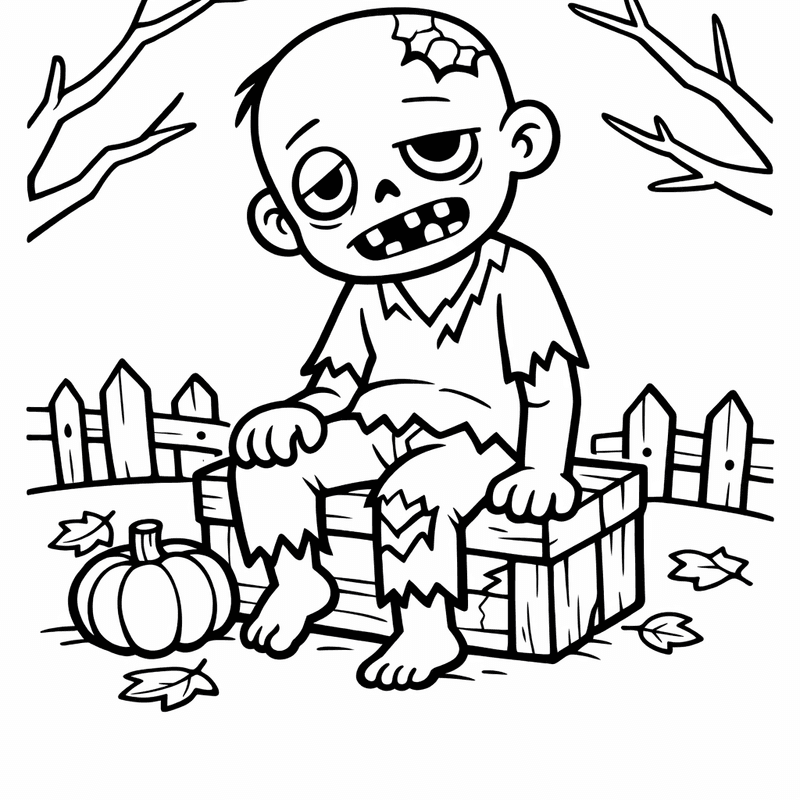
Zombie Coloring Page — Zombie Face
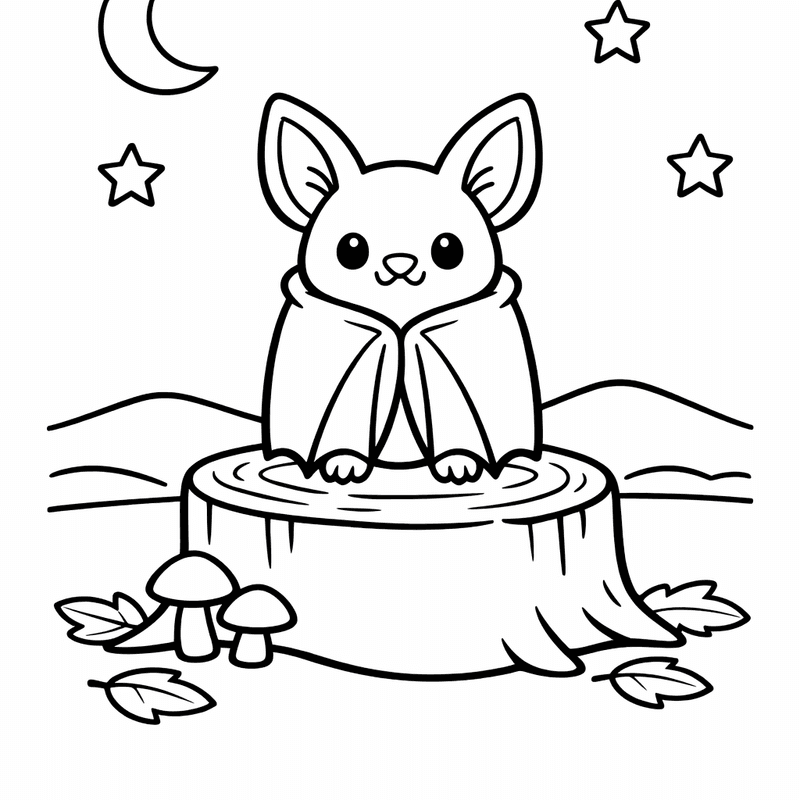
Bat Coloring Page — Object Only: A Cute Bat With Clean Outlines,…
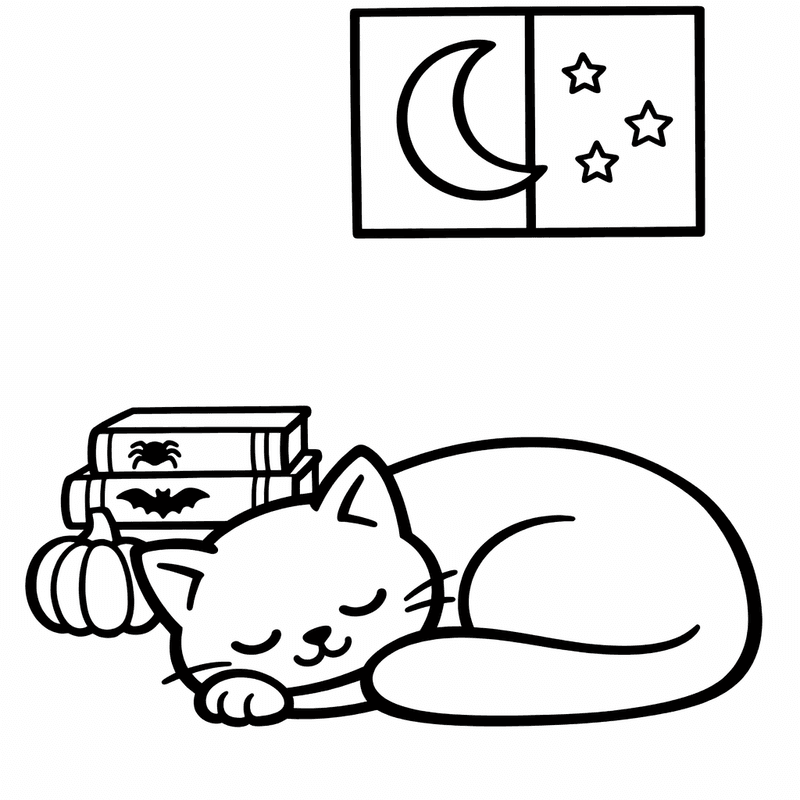
Black Cat Coloring Page — Black Cat Silhouette

Halloween Coloring Page — Halloween Scene
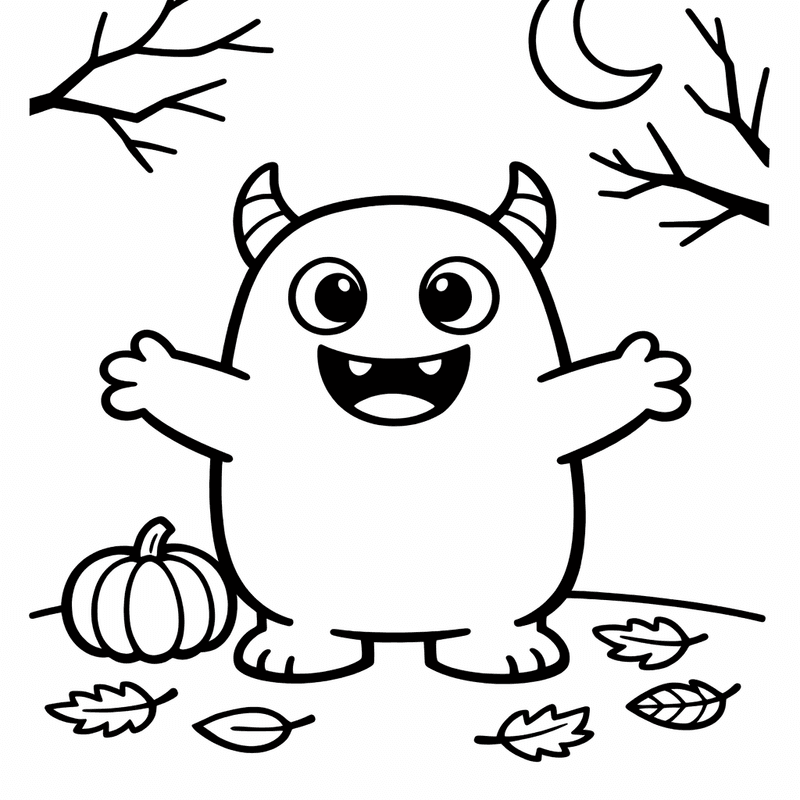
Monster Coloring Page — Object Only: Two Or Three Monsters Side By…
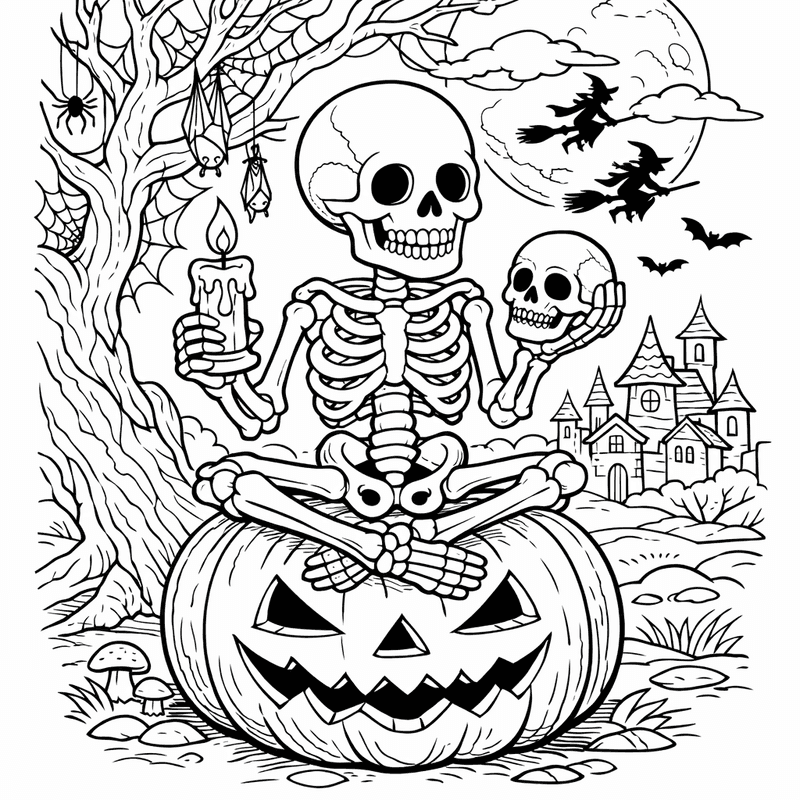
Skeleton Coloring Page — Friendly Skeleton
Spider Coloring Page — Object Only: Two Or Three Spiders Side By…
Trick or Treat Coloring Page — Kid With Candy Bucket
Vampire Coloring Page — Object Only: Two Or Three Vampires Side By…
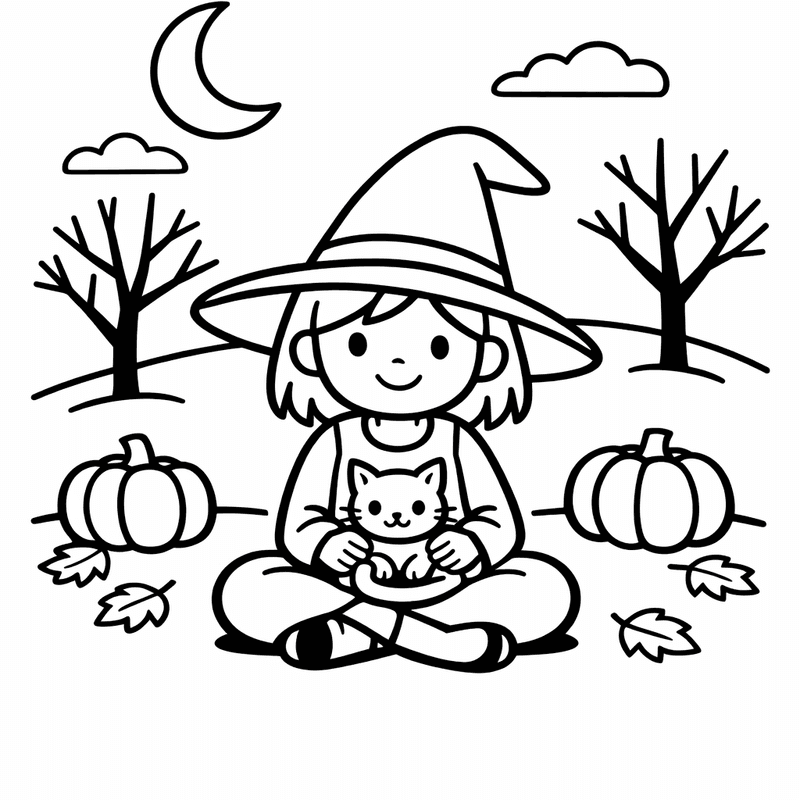
Witch Coloring Page — Object Only: A Cute Witch With Clean Outlines,…
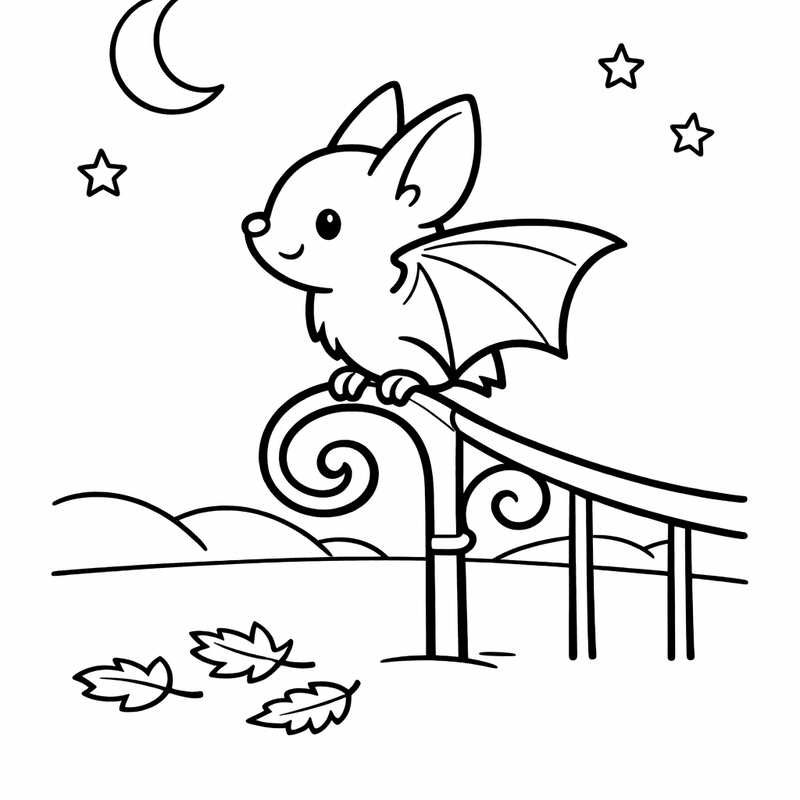
Bat Coloring Page — Bat And Moon
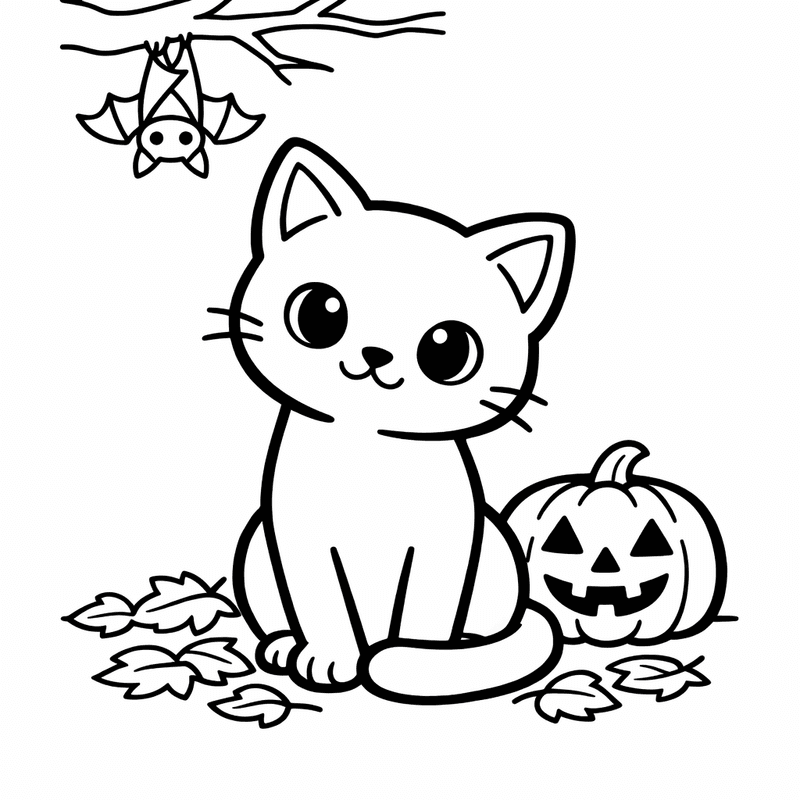
Black Cat Coloring Page — Black Cat Arched

Halloween Coloring Page — Pumpkin And Ghost
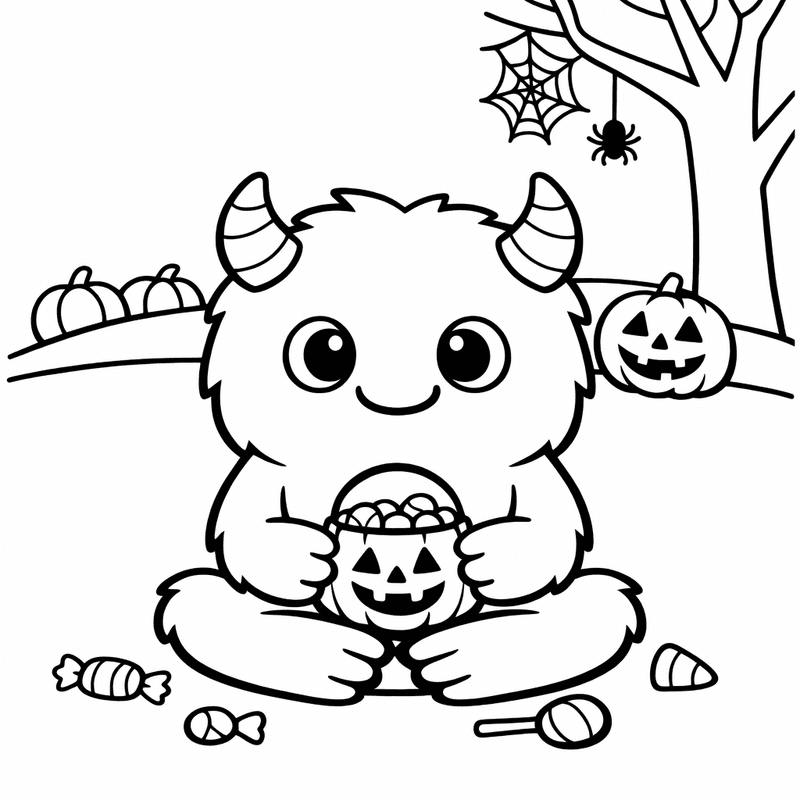
Monster Coloring Page — Cute Monster
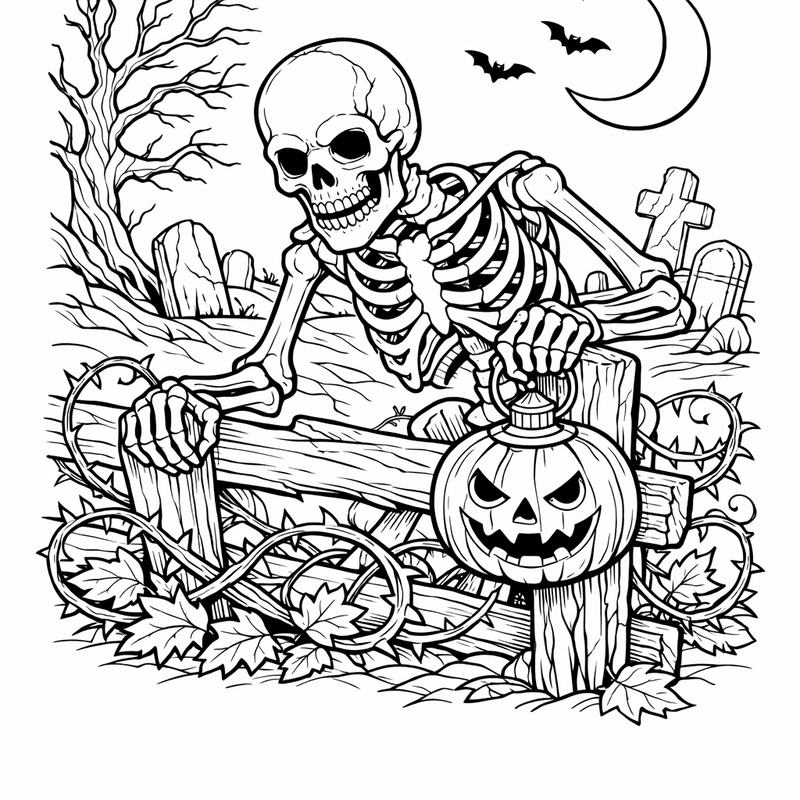
Skeleton Coloring Page — Object Only: Two Or Three Skeletons Side By…
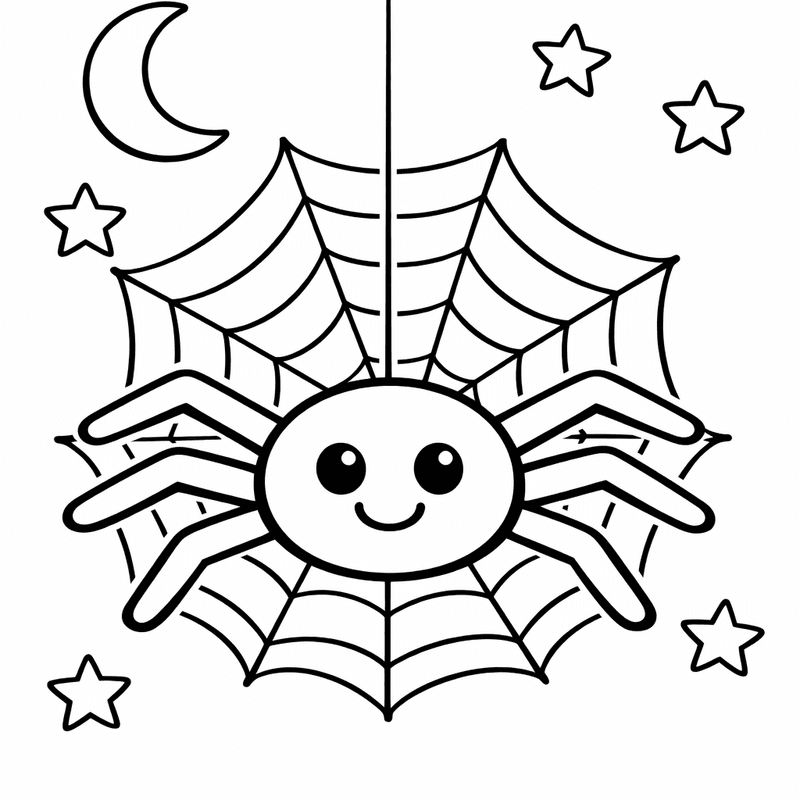
Spider Coloring Page — Friendly Spider
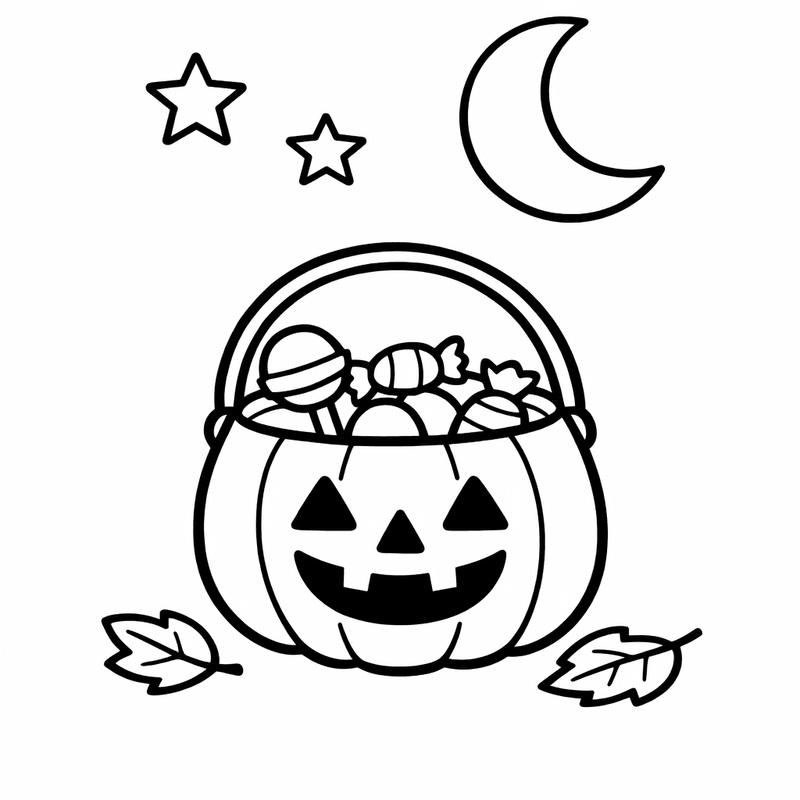
Trick or Treat Coloring Page — Halloween Bucket
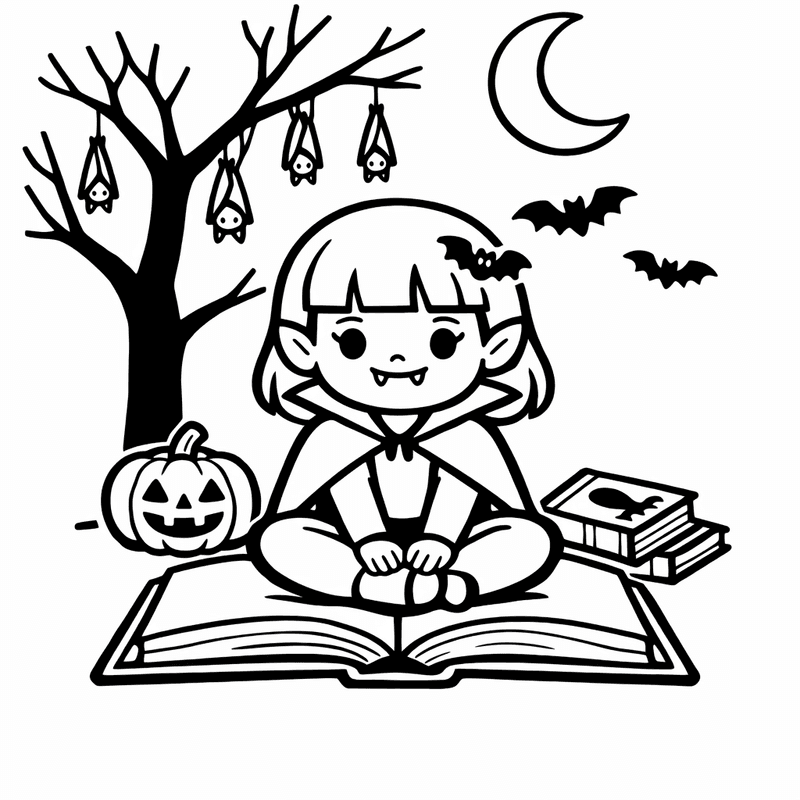
Vampire Coloring Page — Friendly Vampire

Halloween Coloring Page — Object Only: A Cute Halloween With Clean Outlines,…
Frequently asked questions
- Are these halloween coloring pages really free?
- Yes, every halloween coloring page on this site is 100% free. No account, no subscription, no watermarks. Just open the page, click Print or Download, and you are ready to go.
- What ages are these halloween coloring pages for?
- We have pages for all ages from 3 to 12. Use the age filter to find pages designed for your child's age group: 3-4 (very simple, thick outlines), 5-6 (simple with some detail), 7-9 (moderate detail), and 10-12 (more detailed illustrations).
- How do I print these coloring pages?
- Click any coloring page to open it, then click the Print button on the page or use your browser's print dialog (Ctrl+P on Windows, Cmd+P on Mac). For best results, use standard US Letter or A4 paper. Heavier paper works well if your child uses markers.
- Can teachers use these in the classroom?
- Absolutely. All of our halloween coloring pages are free for educational use. Teachers regularly print them for classroom activities, homework packets, themed units, and indoor recess. Print as many copies as you need.
- Can I download the pages as PDF?
- You can download each page as a PNG image using the Download button. To save as PDF, use your browser's print dialog and select "Save as PDF" as the destination. Both methods give you a clean, printable file.